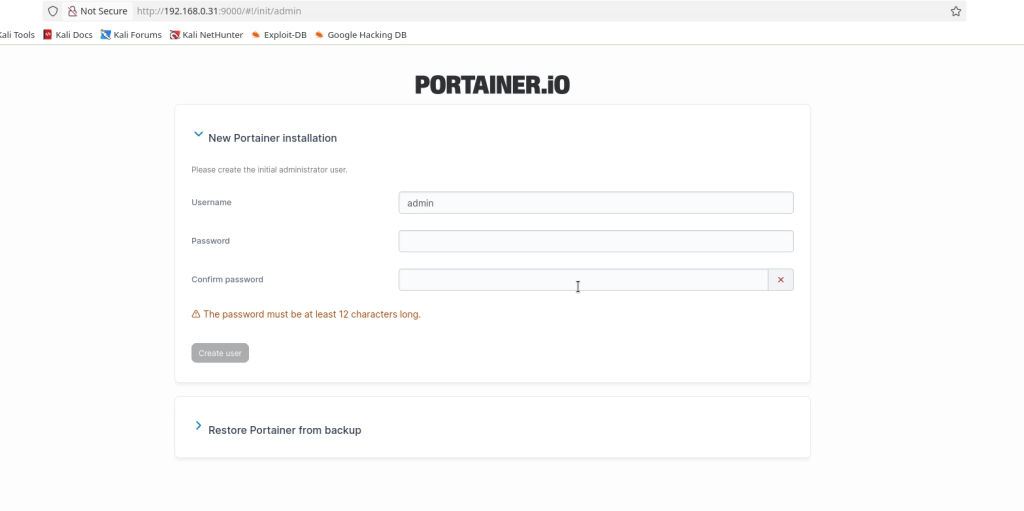




install Portainer in a Docker Container with Docker Compose
I did start creating this on my Synology Server so this Carry on reading. i have deployed a wordpress site on my OMV Server aswell Tutorial here
Step 1
Install container manager, If you have already installed the manager jump to step 3
Select Main menu or the Package Center shortcut

Step 2
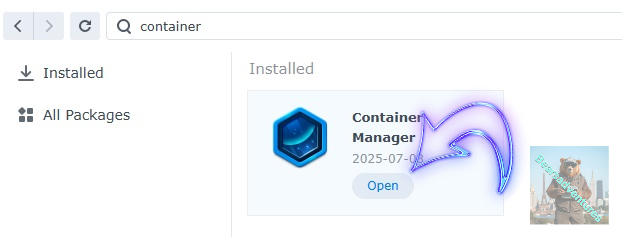
Type in Container in the Search bar and Press enter on your keyboard. Then you will See Container manager like below. in my case i have installed the Container manager already. Select install, wait a few second and then select open.
Step 3
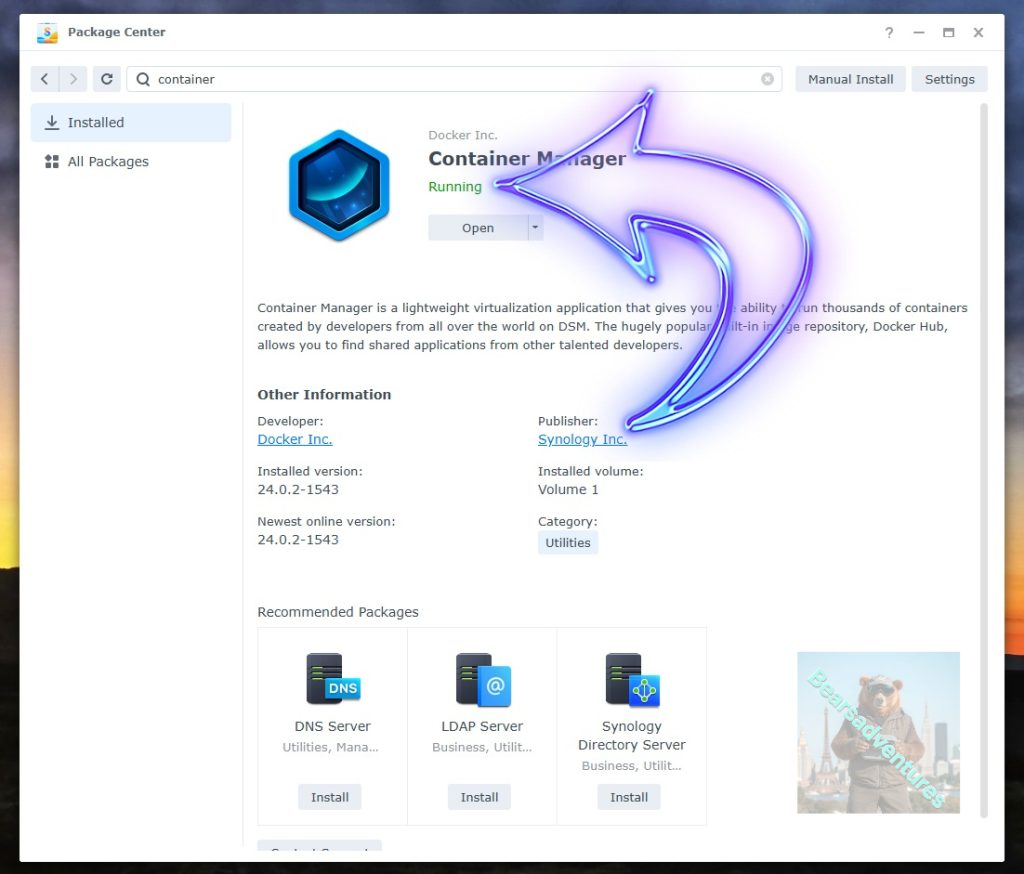
Now you have selected open you should see a screen like below and The Manager will say Running in green. Select open and move on to the next step.
Step 4
Now you will be Presented with the below. This is the Container manager over view of all your Containers and what’s happening in real time.

Step 5
Now We need to Create a Project for wordpress.
This project will do a number of things. download the image and setup the Project to Run all in one go.
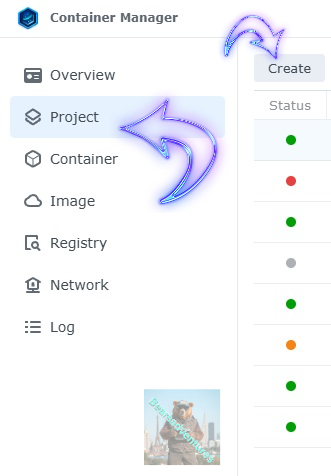
Select project from the menu down the side and then select Create button
Step 6
before we go any thuther we need to ensure we have our folders setup ready for the project.
I have a main folder on the Synology system just for docker projects. create the following folders using filestation in the wordpress / web folder
- wp-app
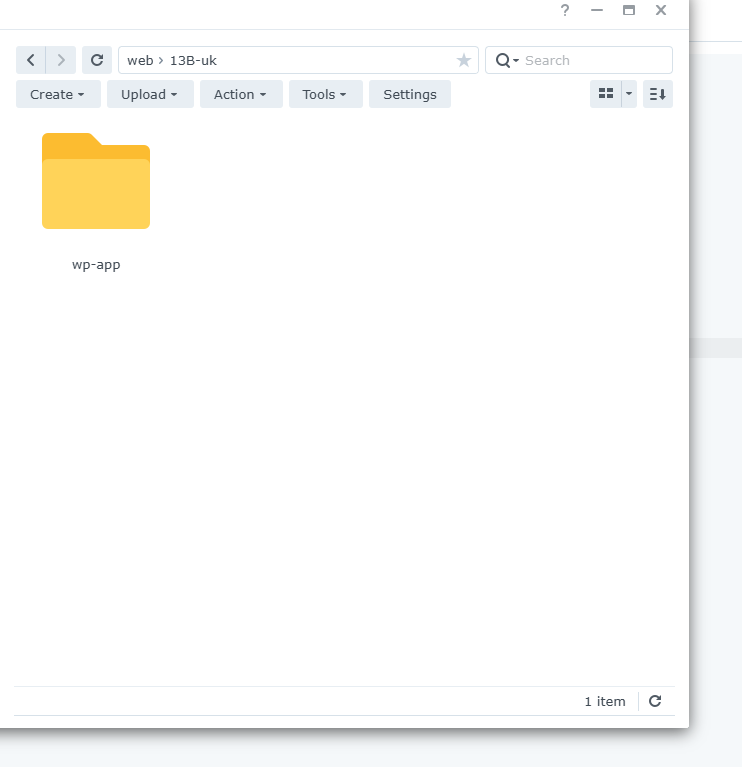
webpage folder / wp-app
wp-app is where we are going to use our wordpress websi
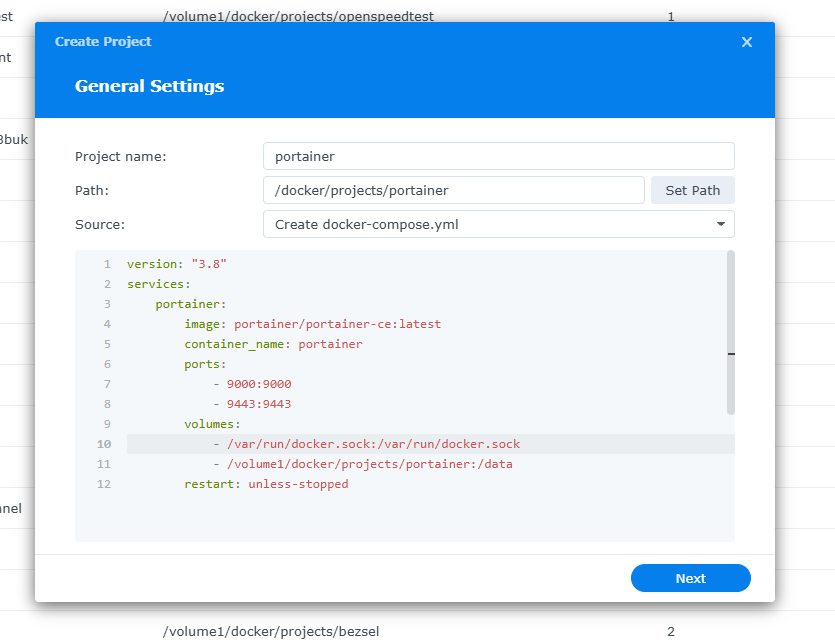
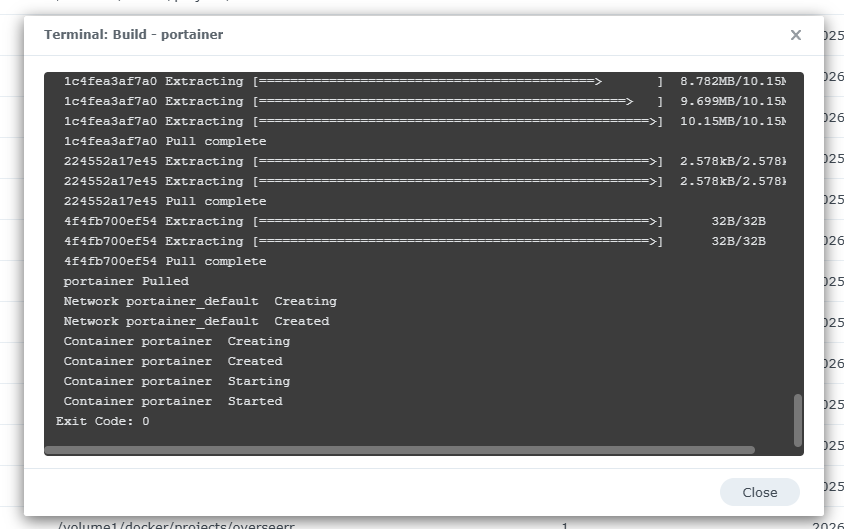
version: "3.8"
services:
portainer:
image: portainer/portainer-ce:latest
container_name: portainer
ports:
- "9000:9000"
- "9443:9443"
volumes:
- /var/run/docker.sock:/var/run/docker.sock
- portainer_data:/data
restart: unless-stopped