




Add Home assistant Themes
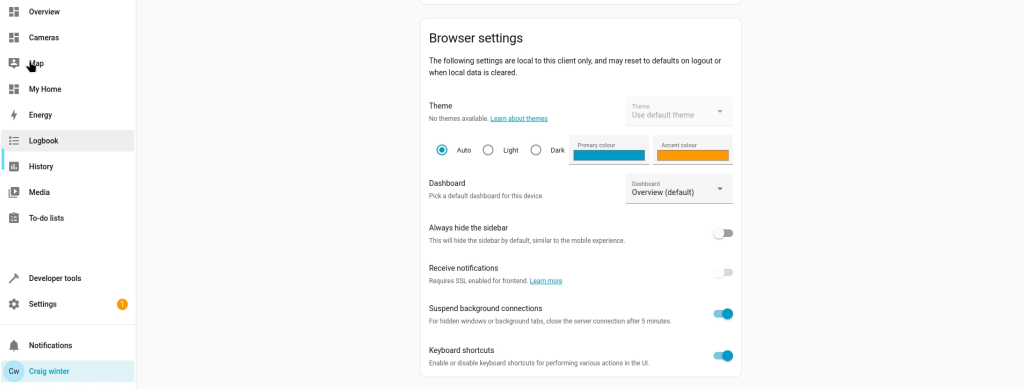
Under user Bottom left corner(select), Scroll down to Browser settings. You will see Themes is Disabled.
Now we need to add some code to the configuration.yaml file to enable the themes
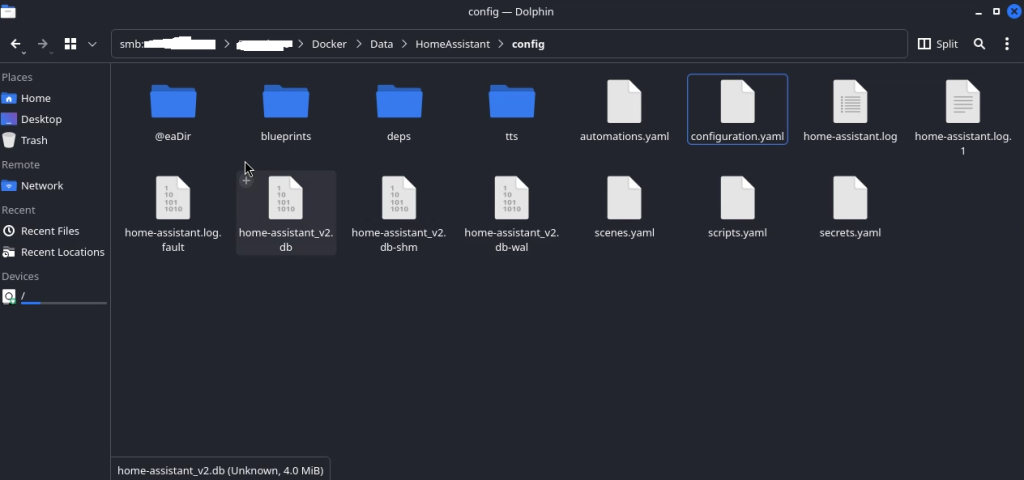
I have access to my docker files through FTP. so im going to edit the configuration.yaml through here.
frontend:
  themes: !include_dir_merge_named themes
Add this code to the Configuration Yaml file
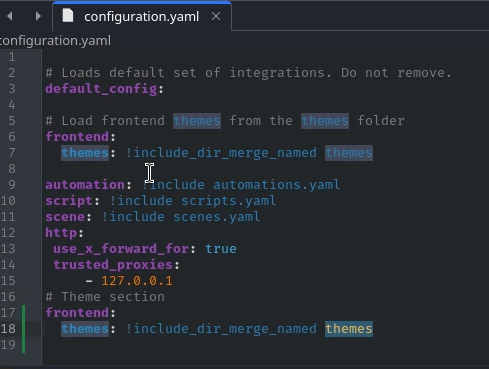
Your code should look somthing like this

you need to also create a folder called themes within the same directory of the configuration yaml file. this is where you are going to store your themes files.
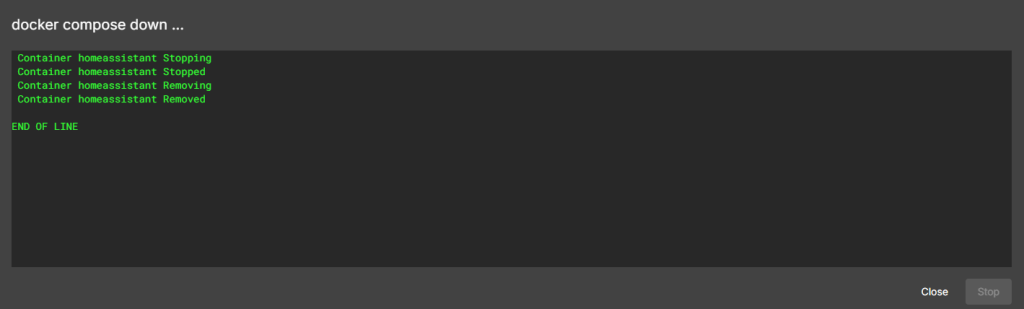
Now we have created and completed these few steps we need to restart the docker container so home assistant will use the folder we have created.

Share : https://13a.uk/oly6