



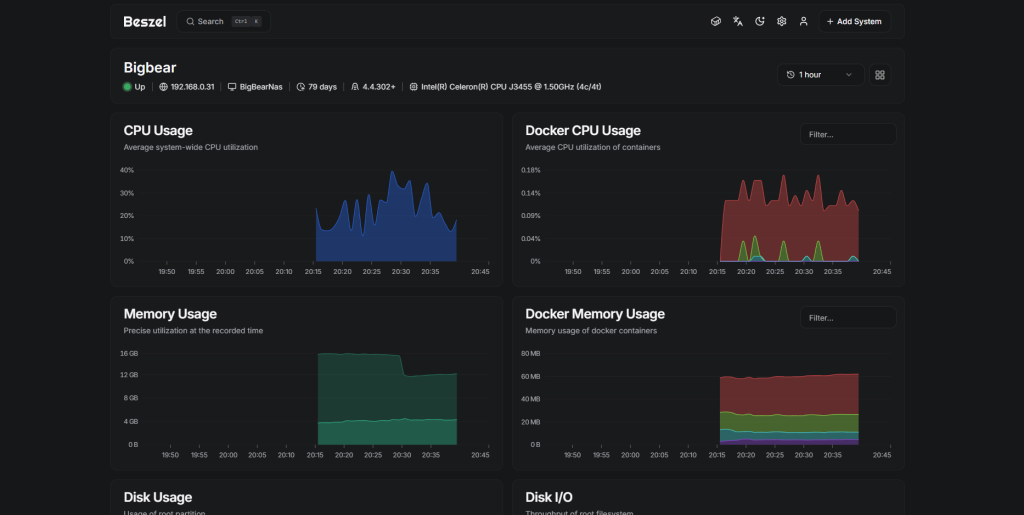
Setting up Synology Composer for Bezsel
step 1
open up Docker Compose and create a new compose. dont forget to add the path of the file
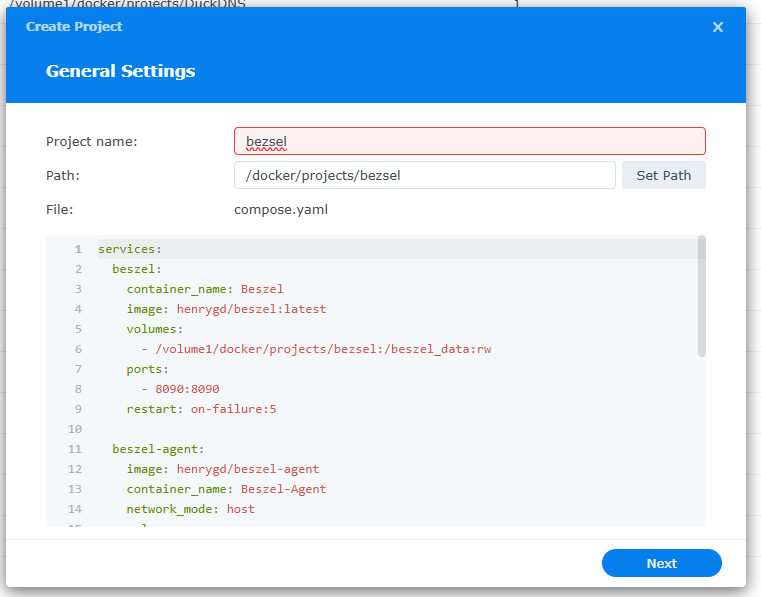
step 2
and add in the below code.
services:
  beszel:
    container_name: Beszel
    image: henrygd/beszel:latest
    volumes:
      - /volume1/docker/projects/bezsel:/beszel_data:rw
    ports:
      - 8090:8090
    restart: on-failure:5

  beszel-agent:
    image: henrygd/beszel-agent
    container_name: Beszel-Agent
    network_mode: host
    volumes:
      - /var/run/docker.sock:/var/run/docker.sock:ro
    environment:
      LISTEN: 45876
      KEY: ssh-ed25519 AAAAC3NzaC1lZDI1NTE5AApaeEZuDGJgPJL685CdXIXu/2nWvPRq48Os4et
      FILESYSTEM: /dev/sda1
    restart: on-failure:5
step 3
after starting the docker you should get a green online status
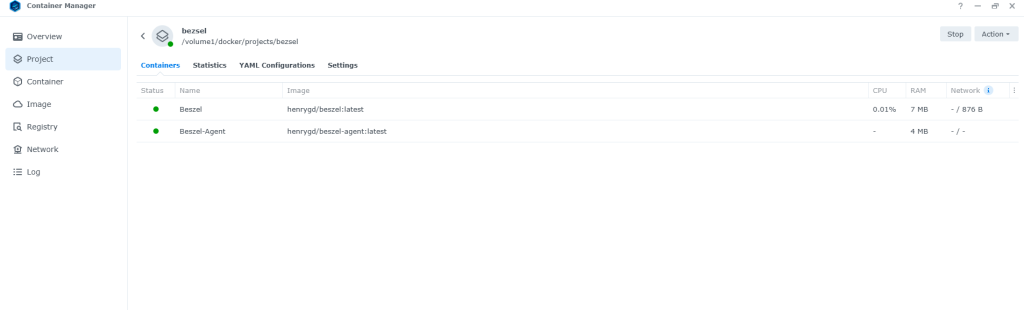
step 4
so normally i would say create a login and start looking at the Dash board. but i want this server to feed into my main dashboard so we are going to add the Bezsel public key and feed information into it.
so goto your main bezsel hub and input the server information. this server is only accessible on my local network,
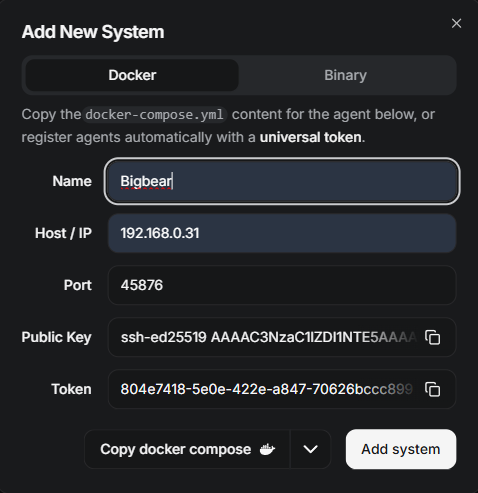
make a note of the public key
step 5
head over to the server you want to add and stop the docker
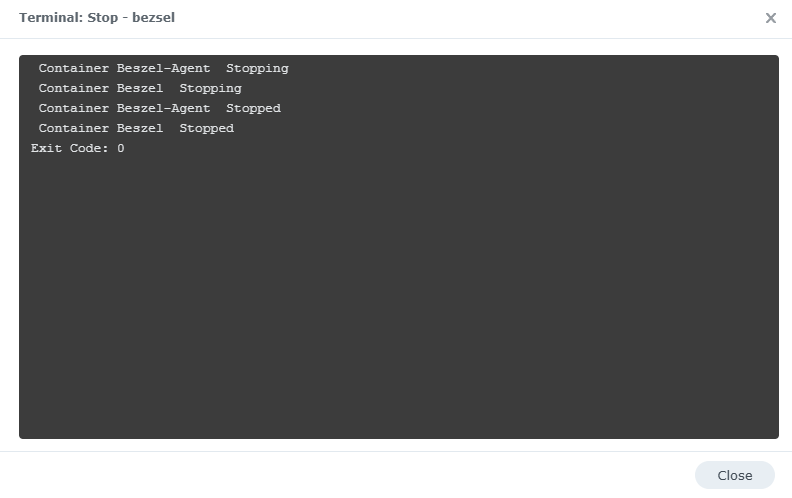
step 6
now go into the compose file and add the public key in the file at the bottom in section KEY like below
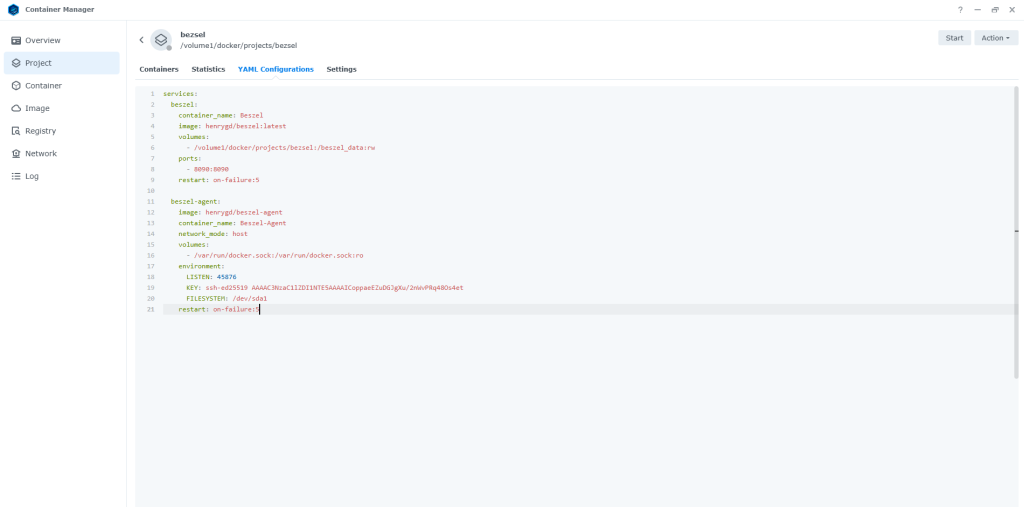
remember to save the compose file.
step 7
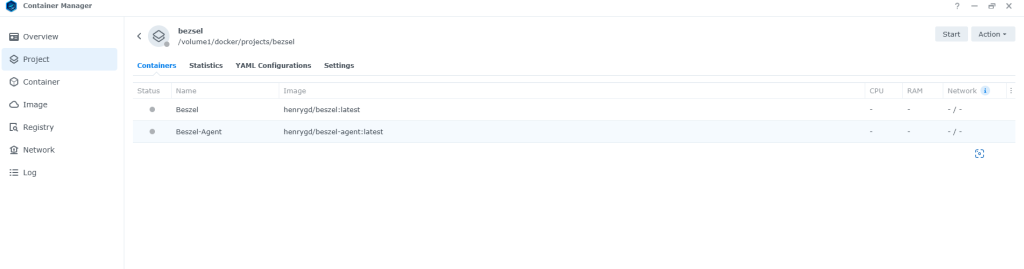
now start the docker again, top right
step 8
now the docker is started you should have no problems and all green like below
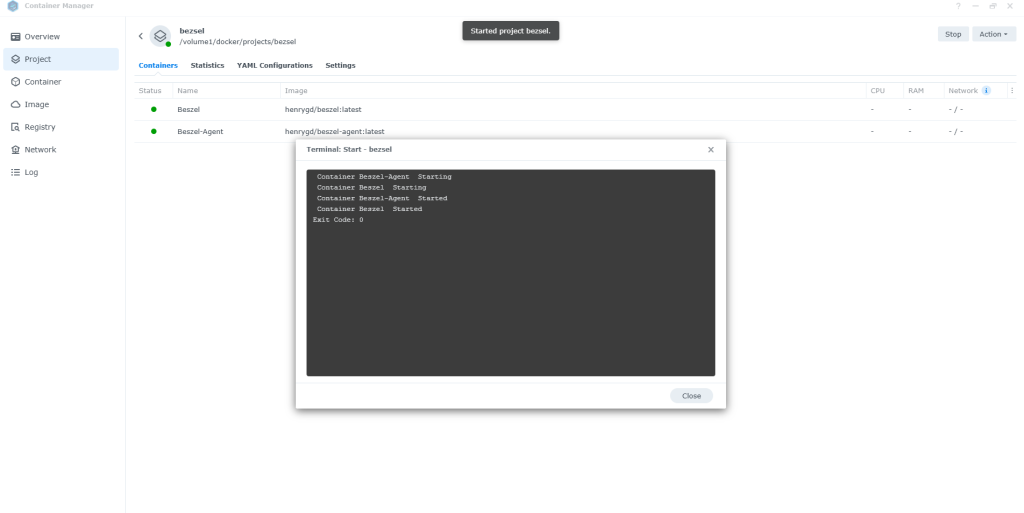
head over to your main dashboard of Bezsel
you now have your server online in the list and reporting information of the server state
if you want to see how i setup the main server head over to here
share: https://13ear.uk/ko8q