





Linux Add Wifi Connection
So while setting up my PI-Hole i discovered that my backup wifi connection has not connected so this little tutorial is going to show you how to connect to WLAN under command line.
Side Not my pihole is setup on a PIZero2 with a Network dongle.
Step 1
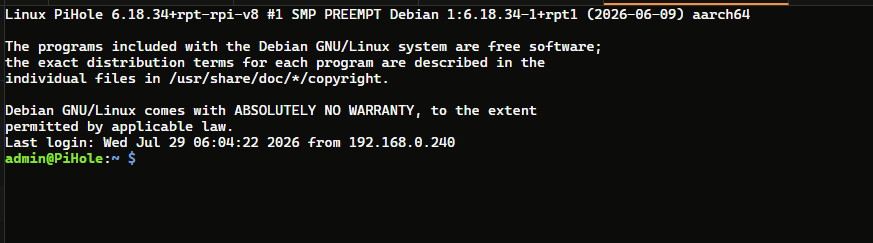
Login to your Pi
Step 2
Now use this code to list accessible wifi connections
nmcli device wifi list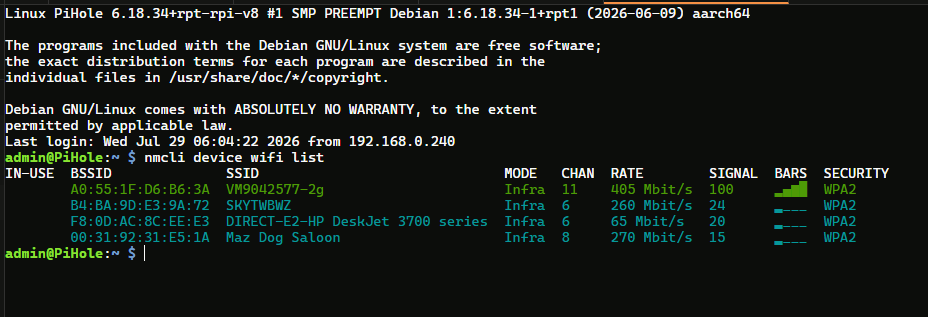
Step 3
Now lets connect to oneof the SSID, Use the code below replacing the <SSID> and <PASSWORD> with your SSID you want to connect to.
sudo nmcli device wifi connect <SSID> password <PASSWORD>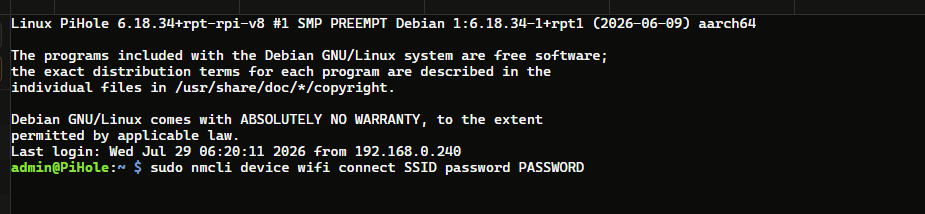
Step 4
When you press enter you will be prompted with the Password to your pihole
As soon as you do this you will have a successfully activated

Step 5
Now lets check if we are connected. This was our view before we started.

So head back over to your pihole, and if you are still on the interface over view just press F5 on your keyboard to fresh the screen.
If you need to find this view in your pi goto Tools and then Interface

we are now connected

Conclusion
This was very easy todo overall. i like how simple the whole process was. this is just a backup solution to my pihole if for whatever reason my Network cable gets disconnected.