




OMV Beszel How Add another Server
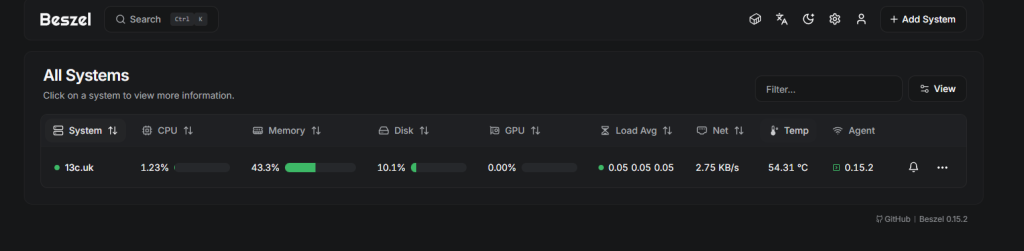
Step 1 have your Hub Running
step 2
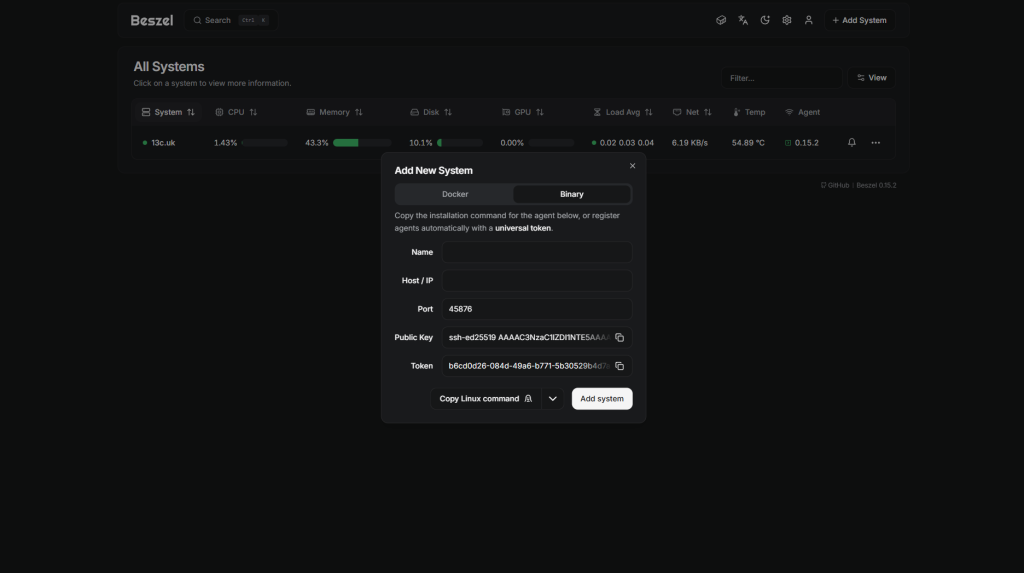
Select add server from the top right
step 3
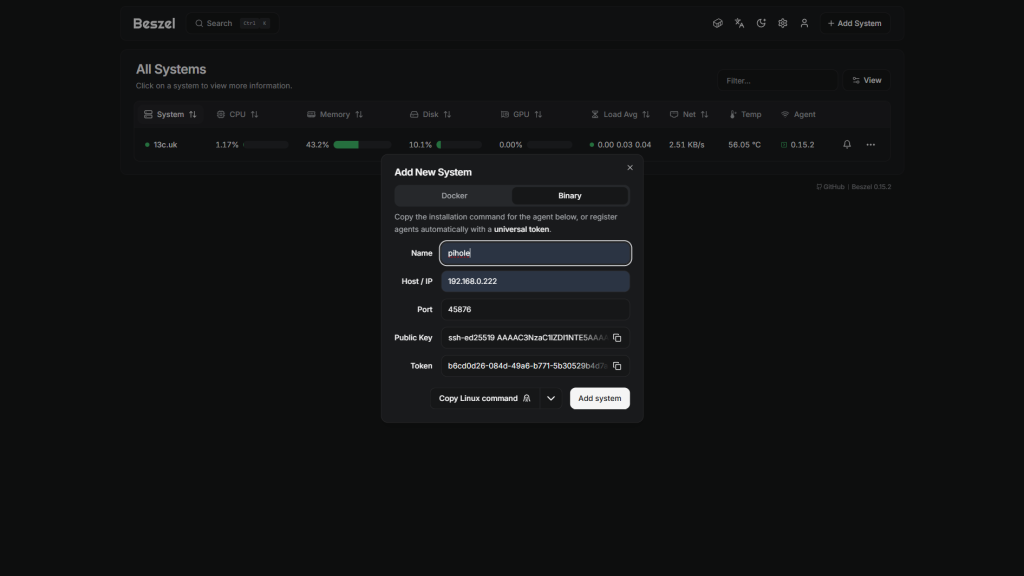
Add the Server information, im going to add my pihole server to this hub
Step 4
Properly the most important bit. we need a binary bit of code to copy into the pihole server command line. select the drop down button just before the add system. and we need the FreeBSD. this will copy to the clipboard.
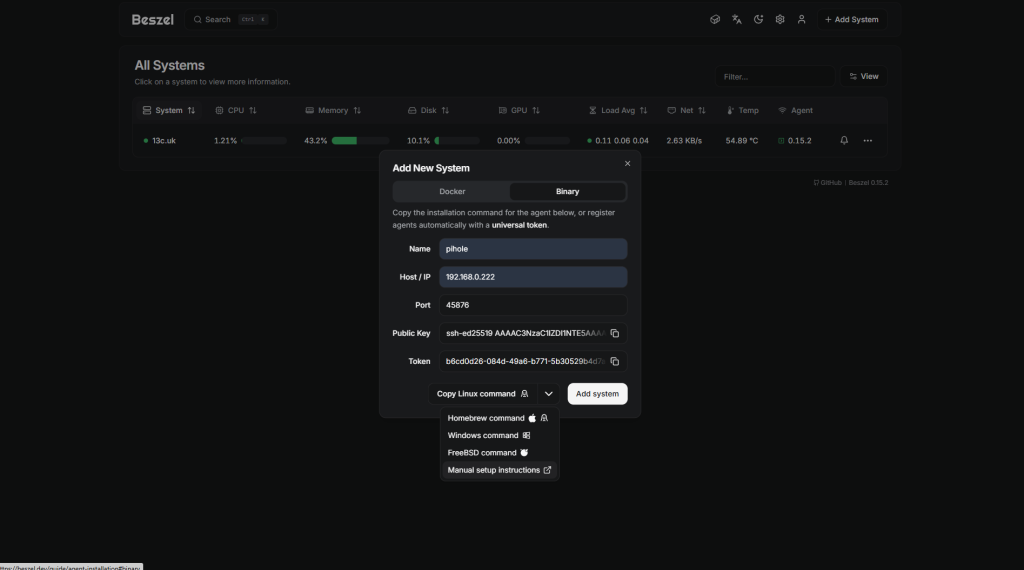
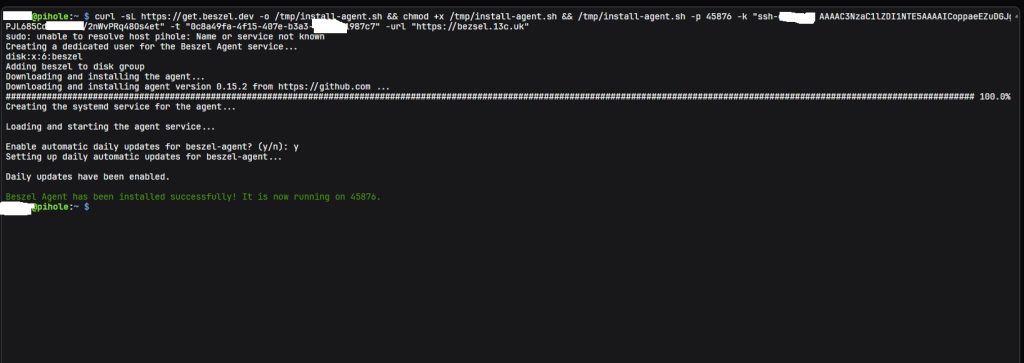
the code will look like this
curl -sL https://get.beszel.dev -o /tmp/install-agent.sh && chmod +x /tmp/install-agent.sh && /tmp/install-agent.sh -p 45876 -k "ssh-ed25519 AAAAC3NzaC1lZDI1NppaeEZuDGJgPJL685CdDBhXIXu/2nWvPRq48Os4et" -t "0c8a49fa-4f15-407e-b36489661987c7" -url "https://website.uk"step 5
now goto your command line for the server and paste the code and hit enter
step 6
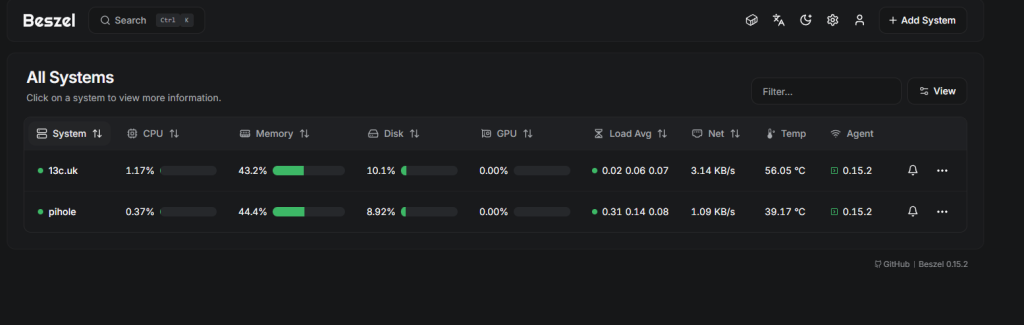
now we need to add the server to Bezsel. soon as you hit the add server button the server will be added to the server list. soon as the server is added it will take about 1 minute and then you will see the server online like below.
share : https://13a.uk/q5wk