



OMVByteStash
Step 1
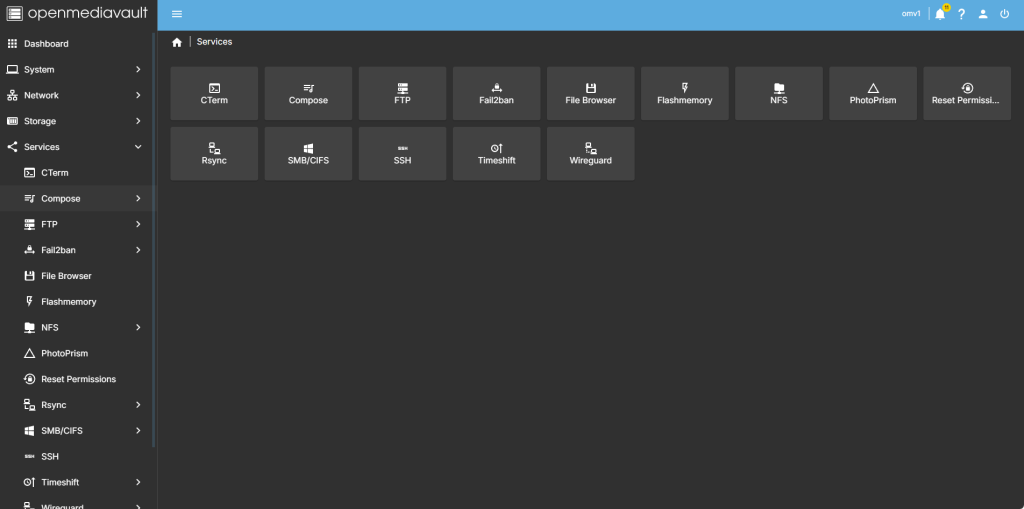
head over to services compose
step 2
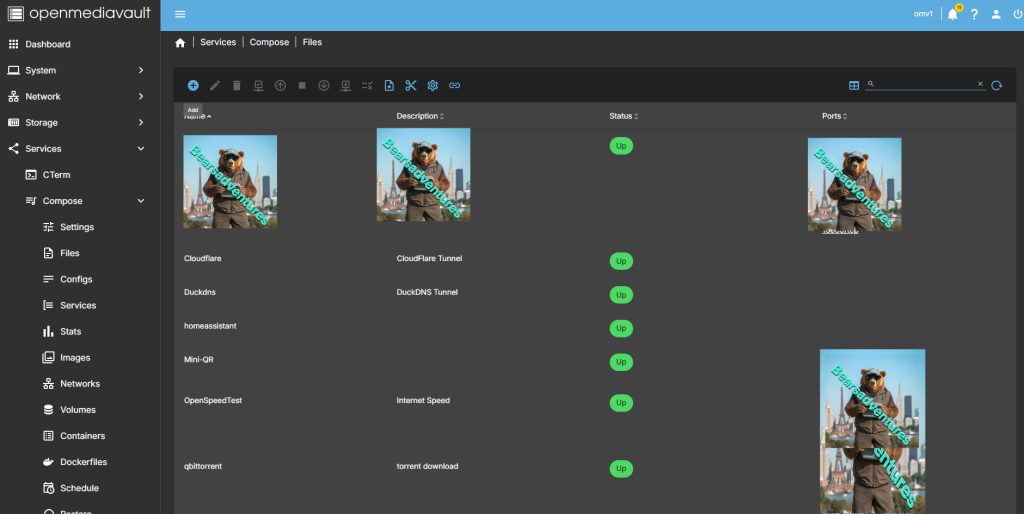
Now select file so we can create the compose file and deploy the container
step 3
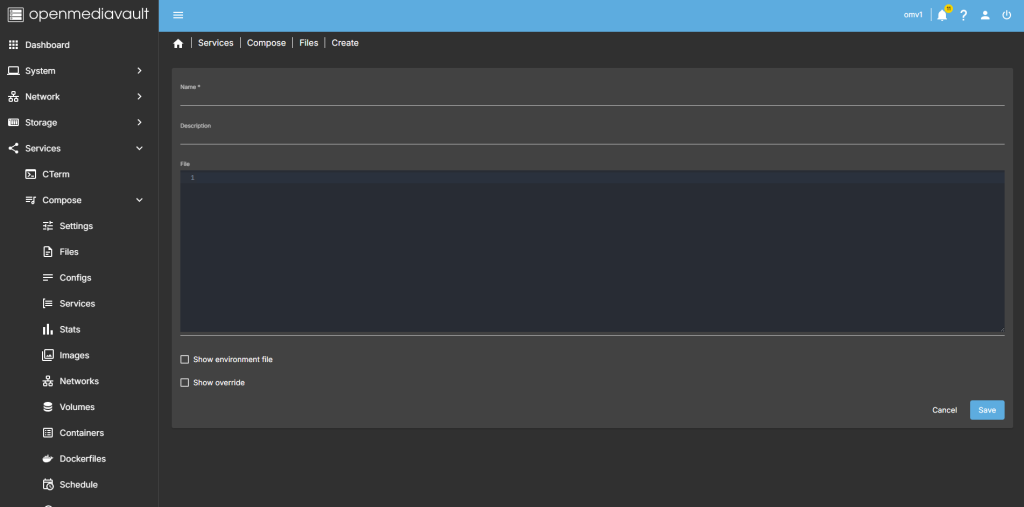
after you have selected the + symbel you will now see where you can add a name for the container and file details
step 4
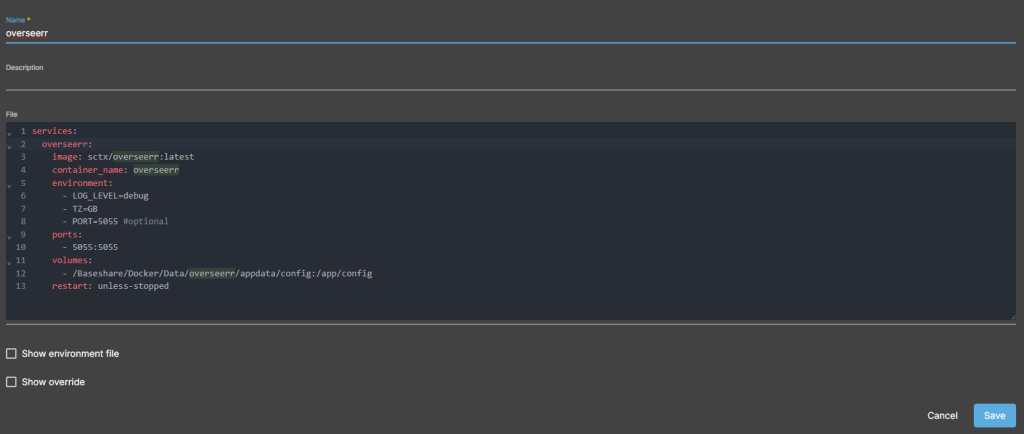
after filing in the details, you should have something like this
services:
  overseerr:
    image: sctx/overseerr:latest
    container_name: overseerr
    environment:
      - LOG_LEVEL=debug
      - TZ=GB
      - PORT=5055 #optional
    ports:
      - 5055:5055
    volumes:
      - /Baseshare/Docker/Data/overseerr/appdata/config:/app/config
    restart: unless-stopped
step 5
all there is left todo is run the container,

step 6
after pressing the up button on the dashboard, you should have the container now running
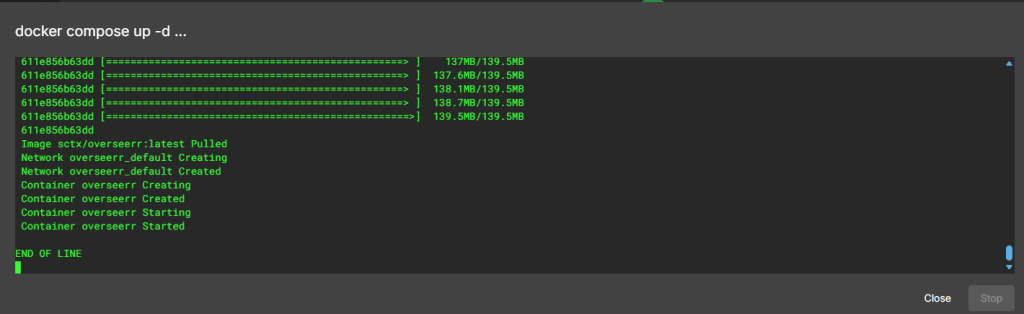
Running nicly port number is 5055

step 7
create a tunnel for the container
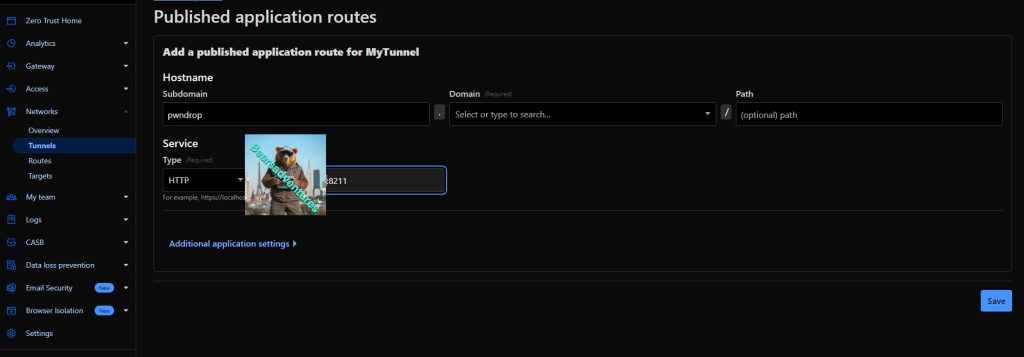
step 8 try the tunnel
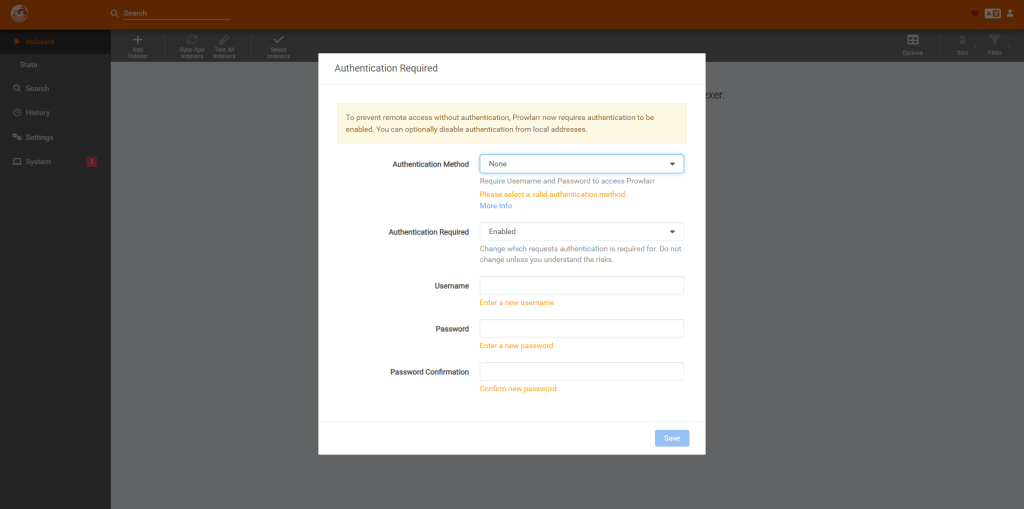
step 9
create a account
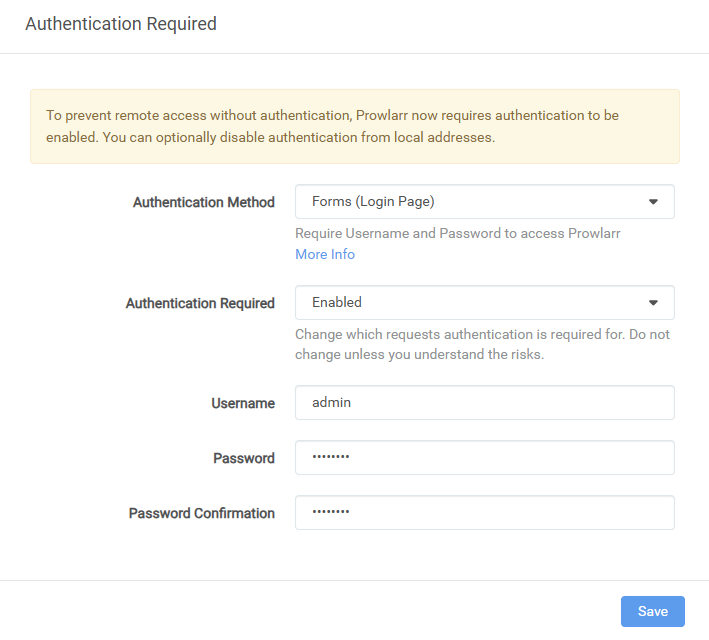
step 10
we are in
Share:https://13ear.uk/5xdg