



SnapOtter
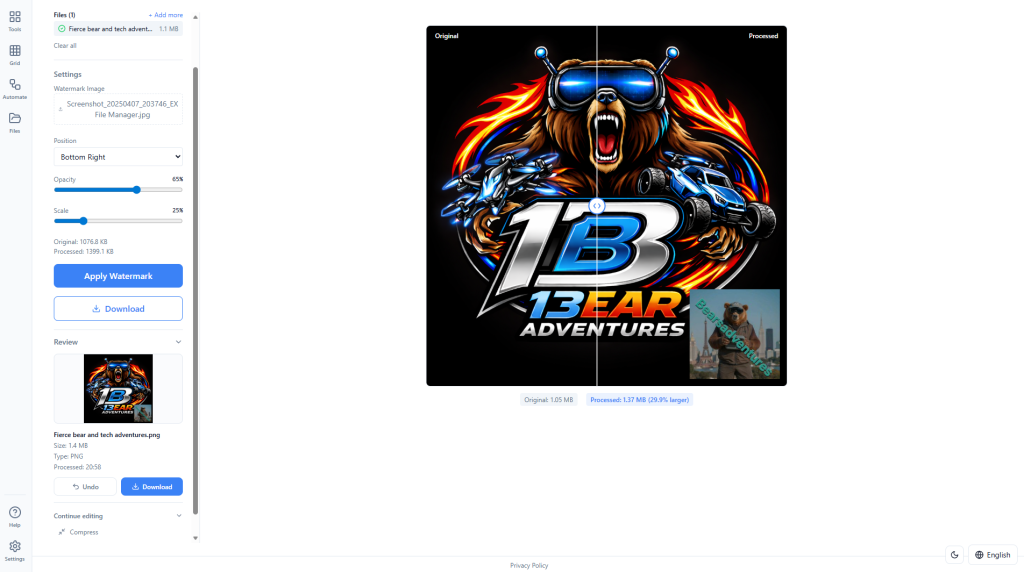
SnapOtter is a fully self-hosted image manipulation platform that runs 100% locally in a single Docker container. It combines 47 image processing tools, powerful local AI models for background removal, upscaling, photo restoration, and more, plus flexible pipelines for building reusable batch workflows. Everything stays completely private on your hardware with zero cloud dependency, so your images never leave your NAS. It features a clean web UI for quick edits and a full REST API for automation and integration. In this step by step guide I will show you how to install SnapOtter on your OMV NAS using Docker.
Step 1
head over to services compose
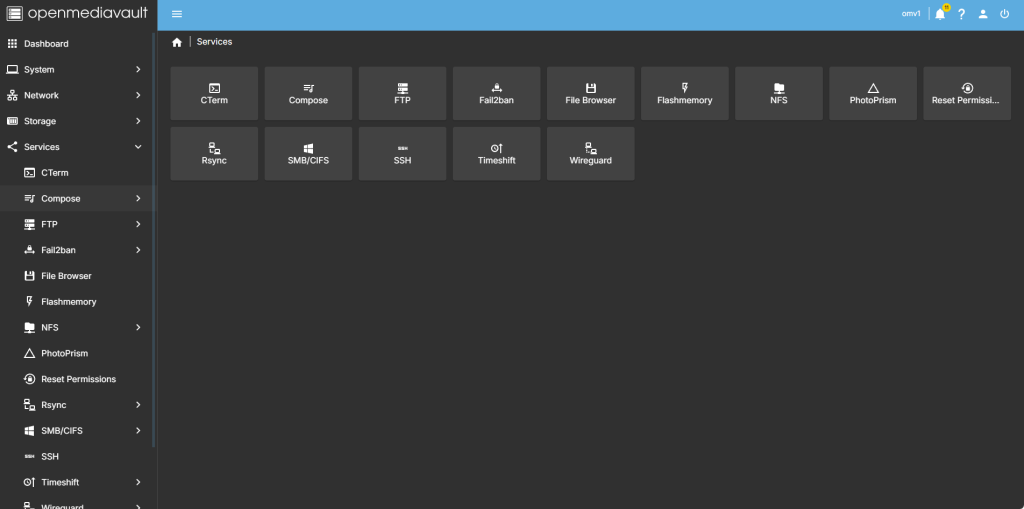
step 2
Now select file so we can create the compose file and deploy the container
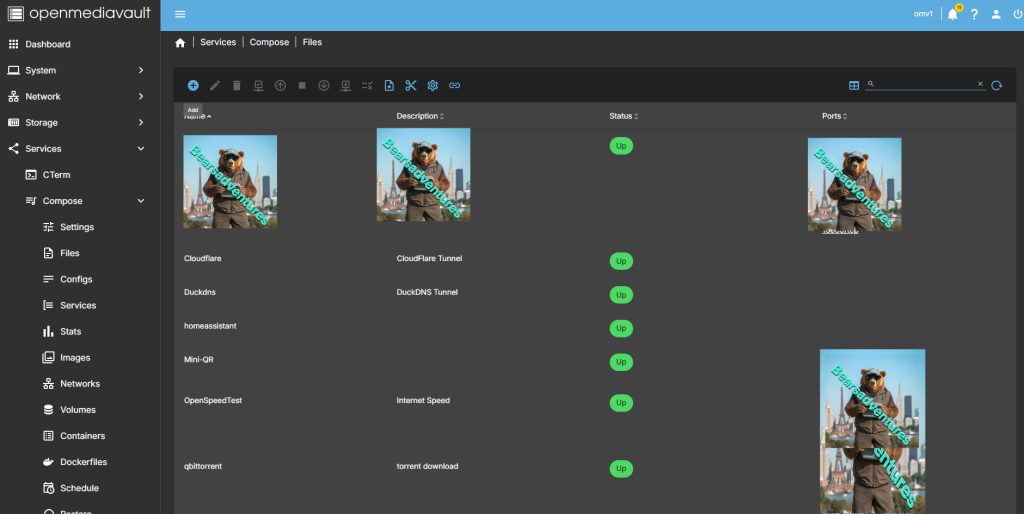
step 3
after you have selected the + symbel you will now see where you can add a name for the container and file details
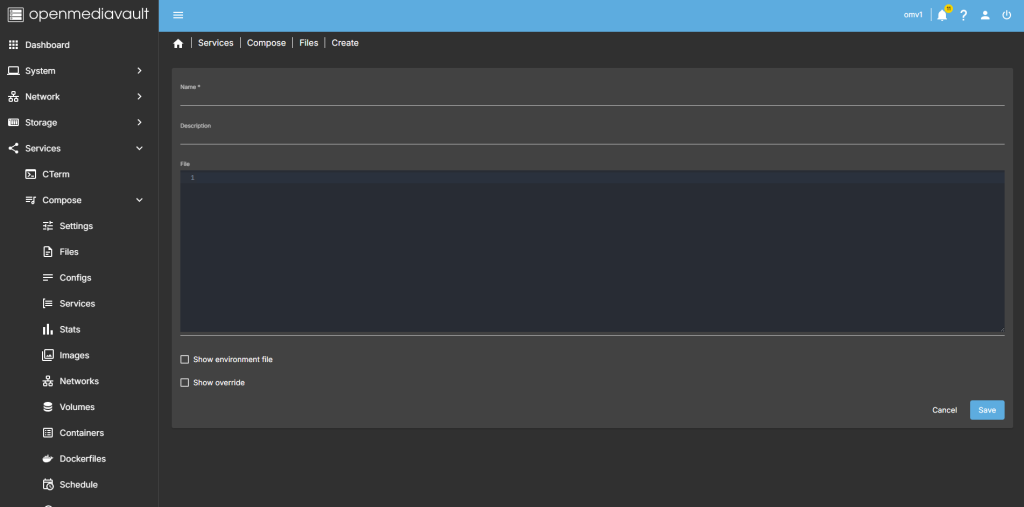
step 4
after filing in the details, you should have something like this
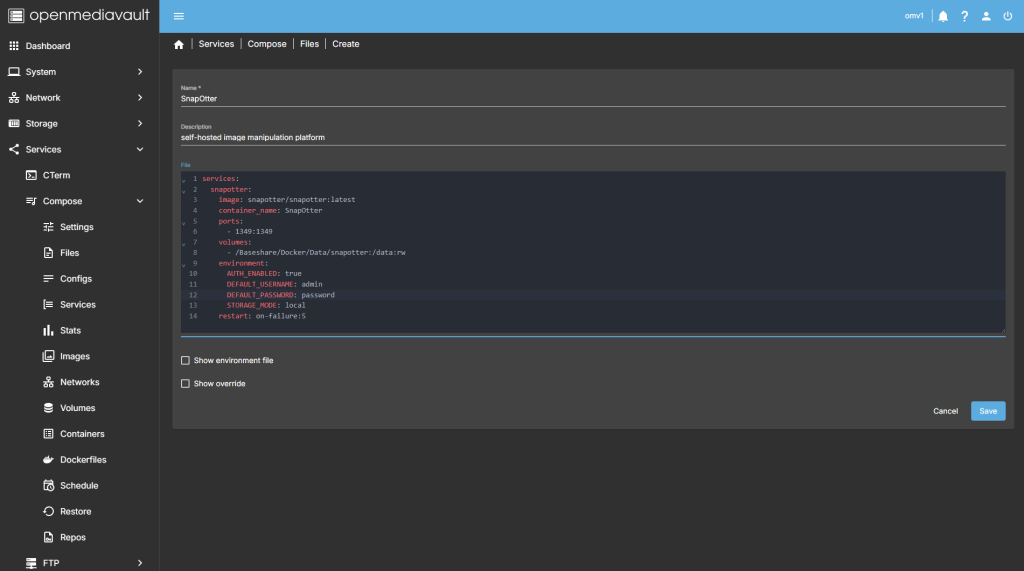
services:
  snapotter:
    image: snapotter/snapotter:latest
    container_name: SnapOtter
    ports:
      - 1349:1349
    volumes:
      - /Baseshare/Docker/Data/snapotter:/data:rw
    environment:
      AUTH_ENABLED: true
      DEFAULT_USERNAME: admin
      DEFAULT_PASSWORD: password
      STORAGE_MODE: local
    restart: on-failure:5
step 5
all there is left todo is run the container,

step 6
after pressing the up button on the dashboard, you should have the container now running
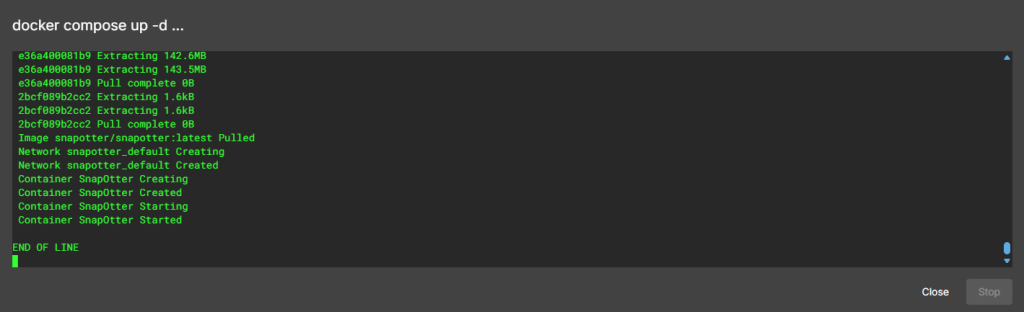
Running nicely port number is 1349

step 7
create a tunnel for the container
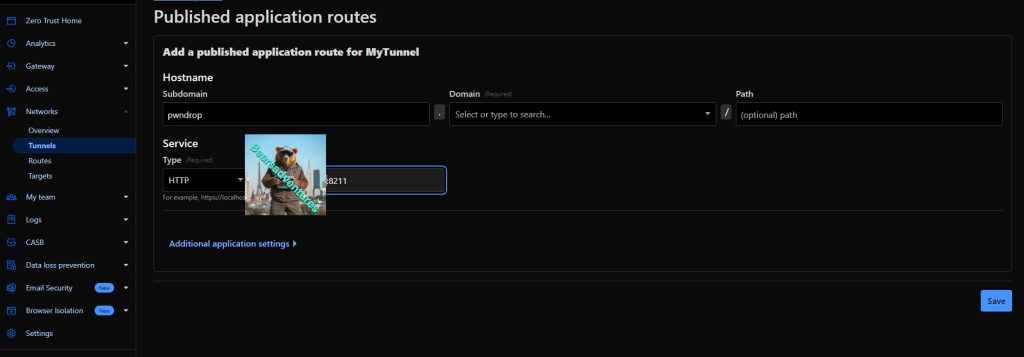
step 8
Now open your browser and type in http://Website:1349, The tunnel will now be working
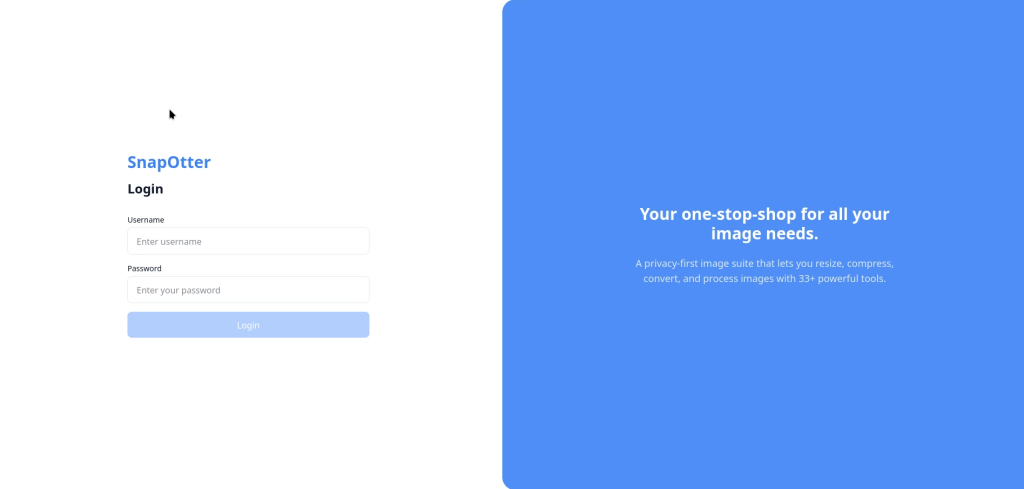
step 9
To login use the login details we Putin the container file.
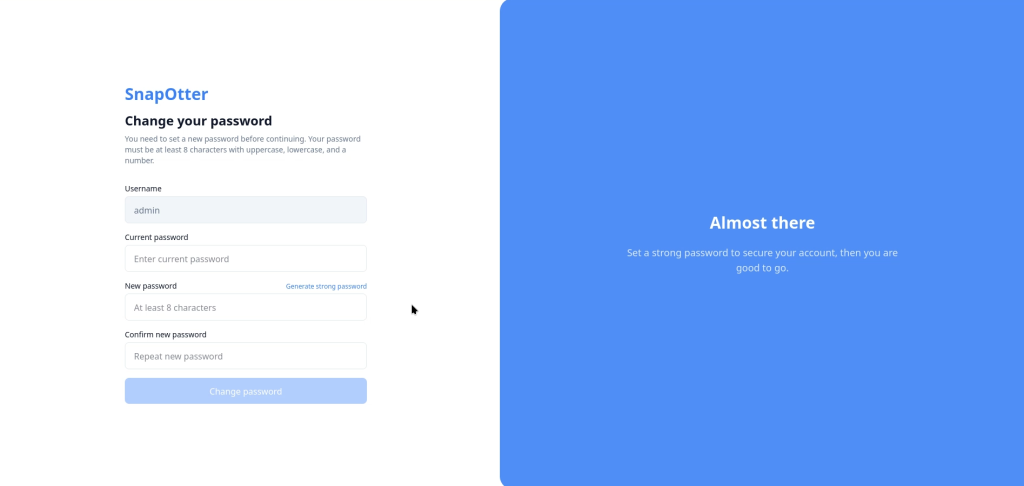
Now we are in, we will need to change the original password
step 10
Now we have changed the password we are in and can now starting using SnapOtter.

Step 11
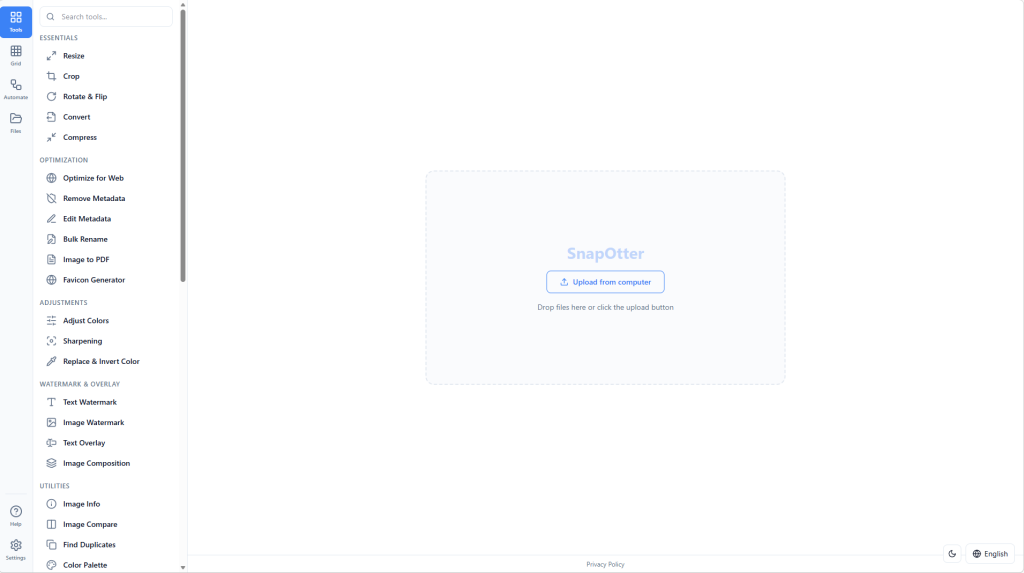
Now we are greeted with the main screen.
Step 12
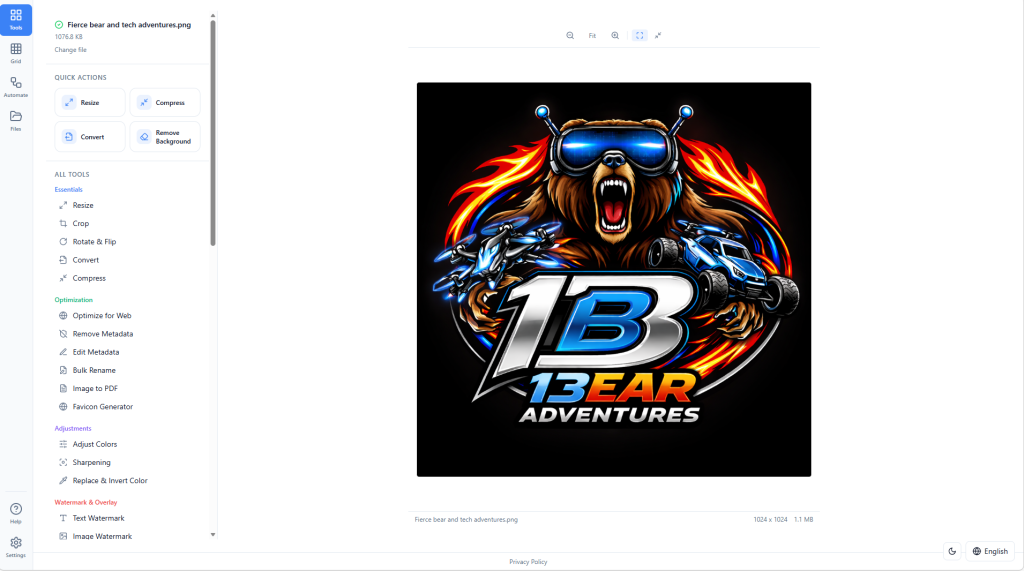
Drag and Drop a picture on the SnapOtter, Like i have. This is my Short web links webpage logo
Summary
The Main reason for using SnapOtter is to add watermarks to my pictures and screenshot on my websites. I love the feel of SnapOtter and there are some really good features im wanting to also use.
Share : https://13b.uk/1i5n