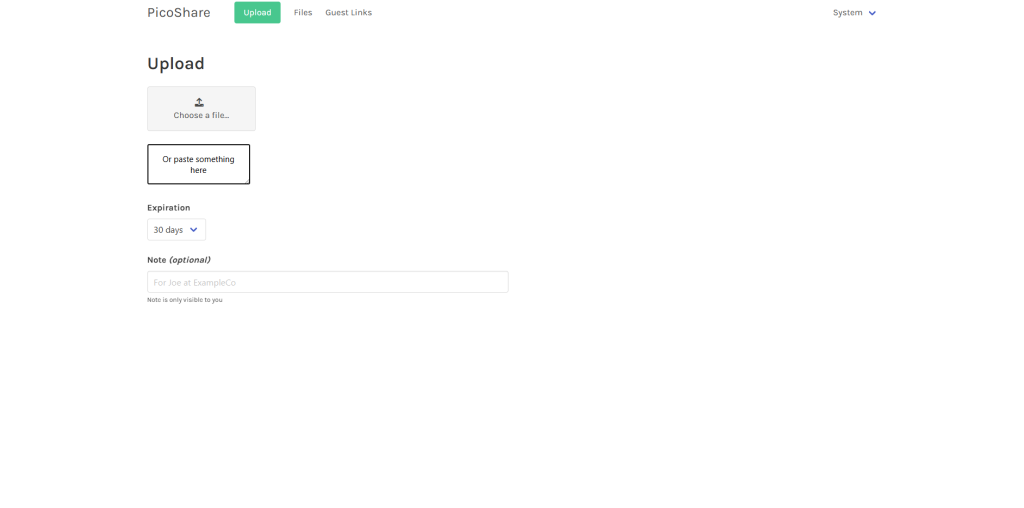

picoshare
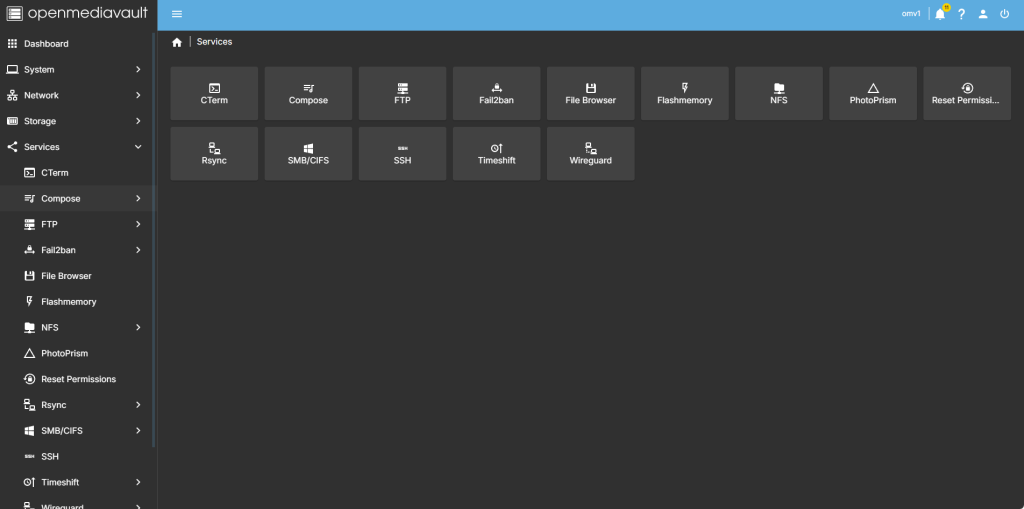
Step 1
head over to services compose
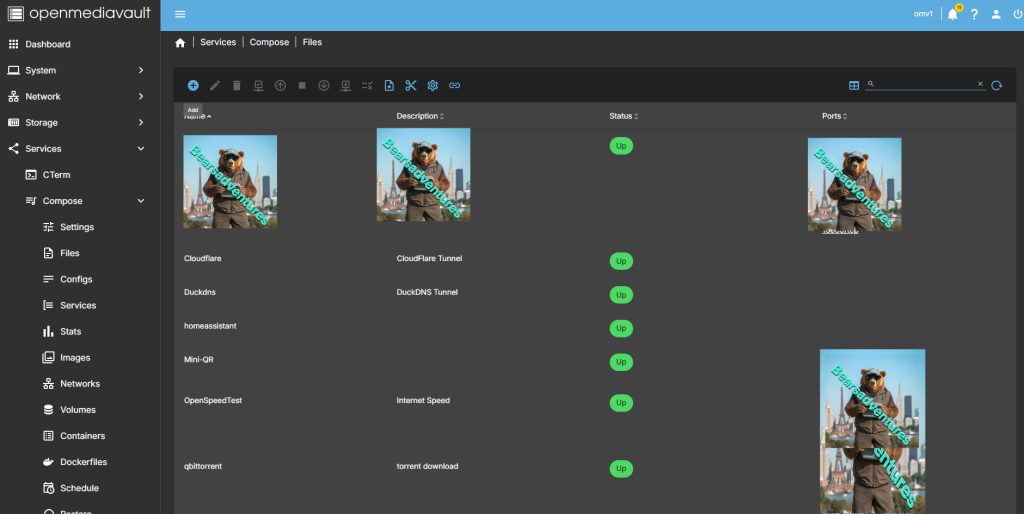
step 2
Now select file so we can create the compose file and deploy the container
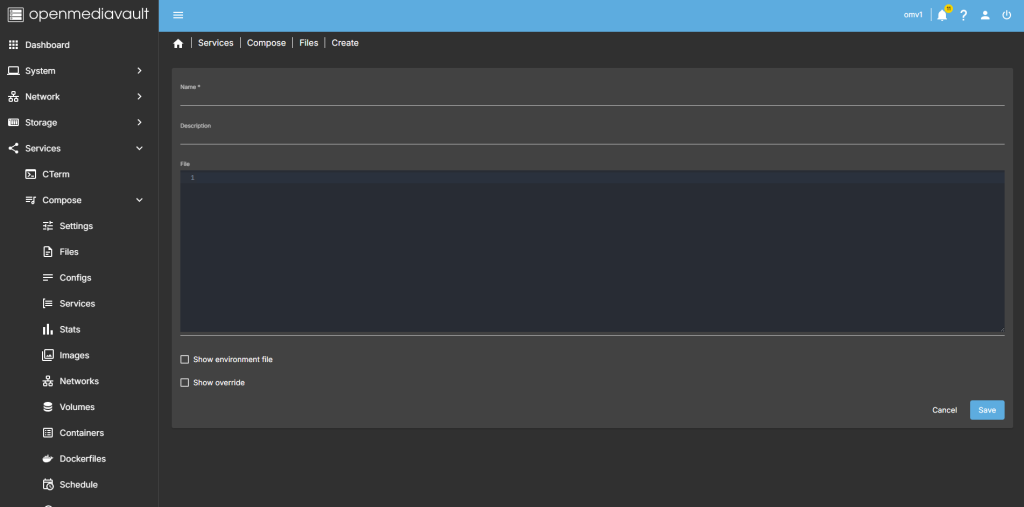
step 3
after you have selected the + symbel you will now see where you can add a name for the container and file details
step 4
after filing in the details, you should have something like this
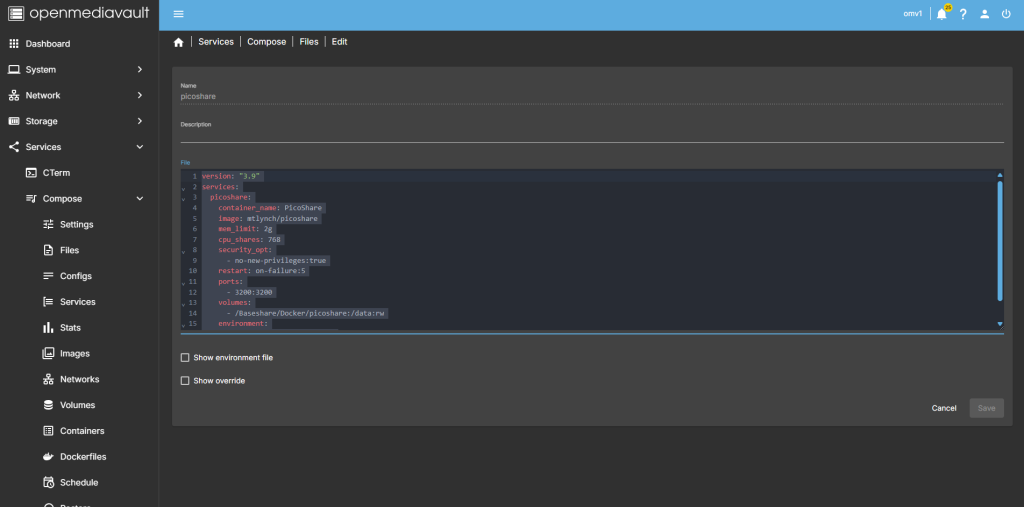
version: "3.9"
services:
  picoshare:
    container_name: PicoShare
    image: mtlynch/picoshare
    mem_limit: 2g
    cpu_shares: 768
    security_opt:
      - no-new-privileges:true
    restart: on-failure:5
    ports:
      - 3200:3200
    volumes:
      - /Baseshare/Docker/Data/picoshare:/data:rw
    environment:
      PS_SHARED_SECRET: its-my-secret
      PORT: 3200
step 5
all theat is left todo is run the container,

step 6
after pressing the up button on the dashboard, you should have the container now running
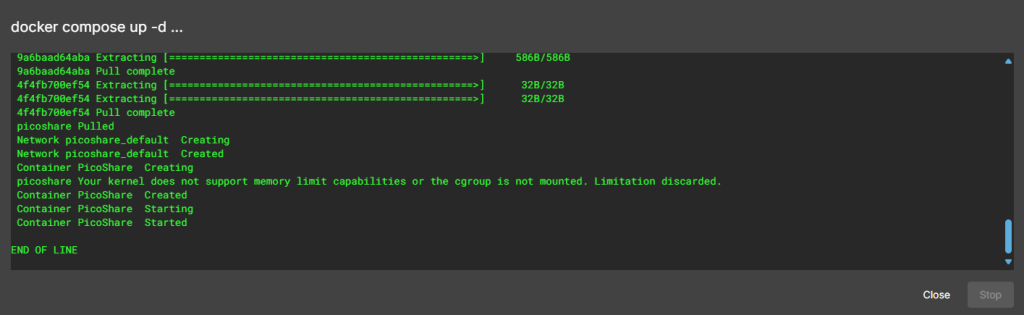
Running nicly port number is 8211

step 7
create a tunnel for the container
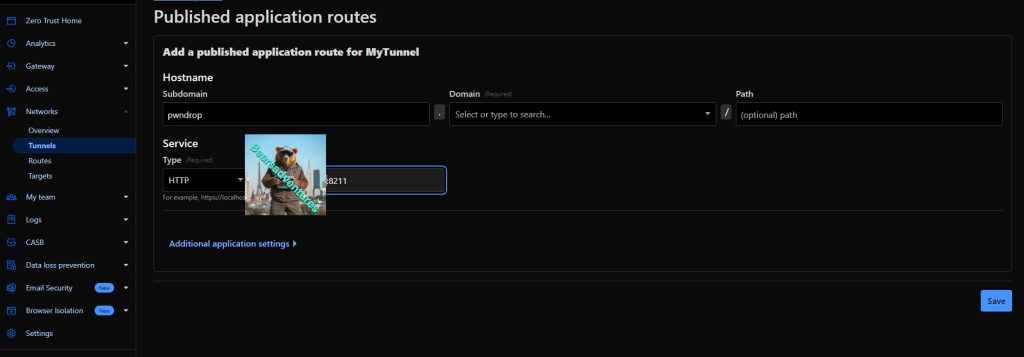
v