





Pi-Hole Backup / Restore
So you have setup your Pi-Hole and now its been running awhile you want to save a backup of your setup, This is how you do just that and also restore your setting.
Step 1
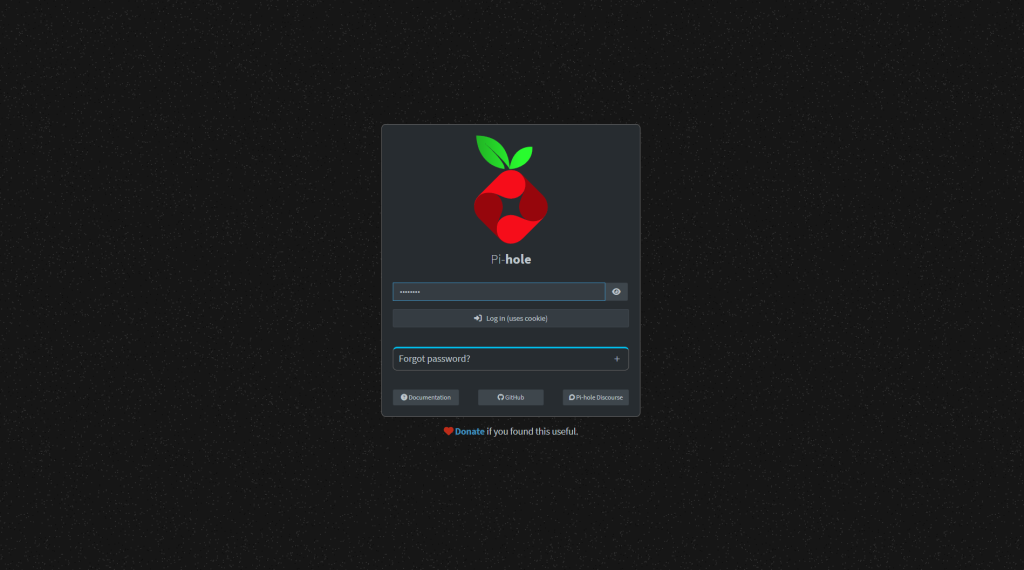
Login to your Pi-Hole. Soon as you have logged in Move to the next step.
Step 2
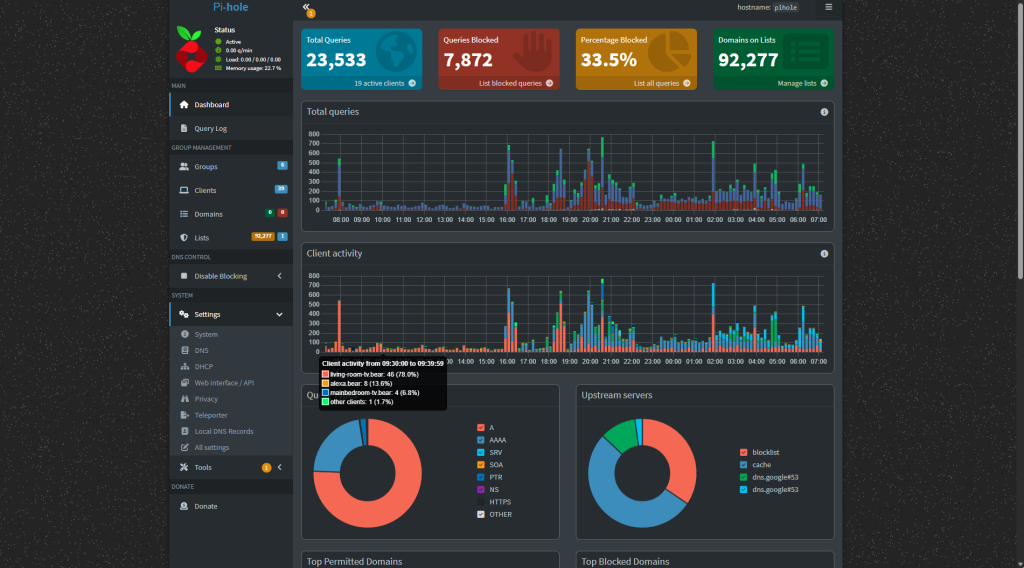
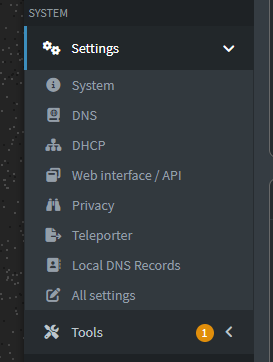
Now the Main dashboard has loaded head over to Settings. In the Settings Section you want TELEPORTER in the drop down area.
Step 3
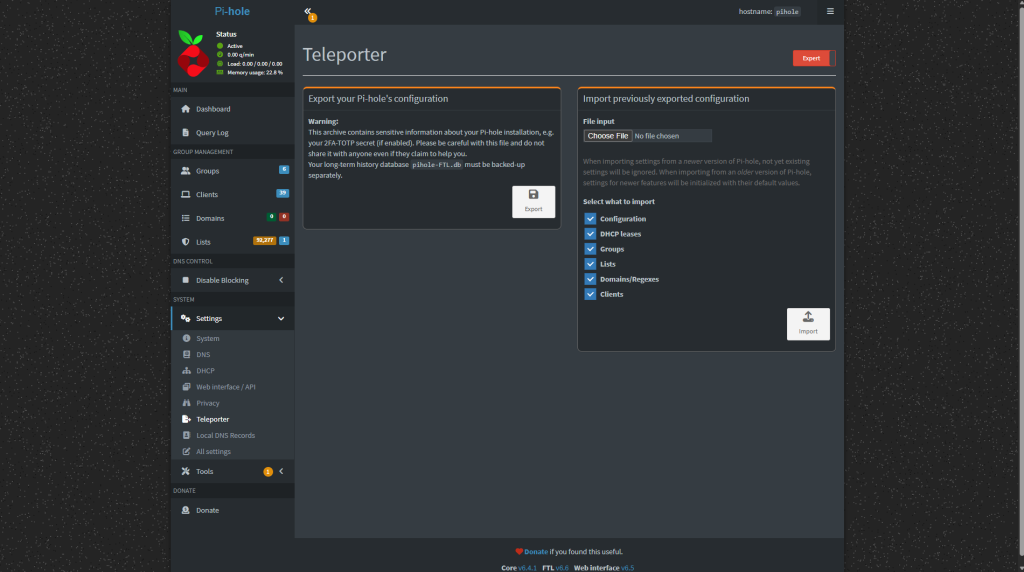
Now you have selected TELEPORTER you will be presented with the above, Here is where you can Backup or restore your Pi-Hole.
Step 4
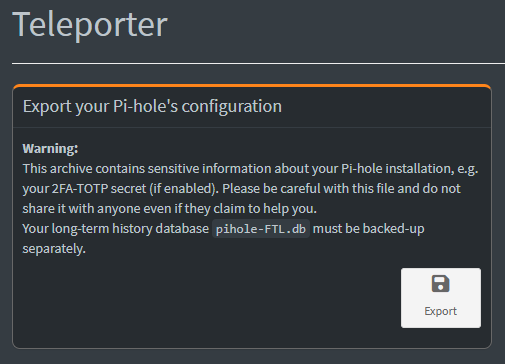
For this Backup we want just the core of our PI-hole Settings(IP numbers and mac address) and not all the history. This will include configuration, blocklists and Settings.
Select export this will download a Zip file with all the pi-hole data inside. keep this safe.

You can also create a backup using the command line by executing:
pihole -a -t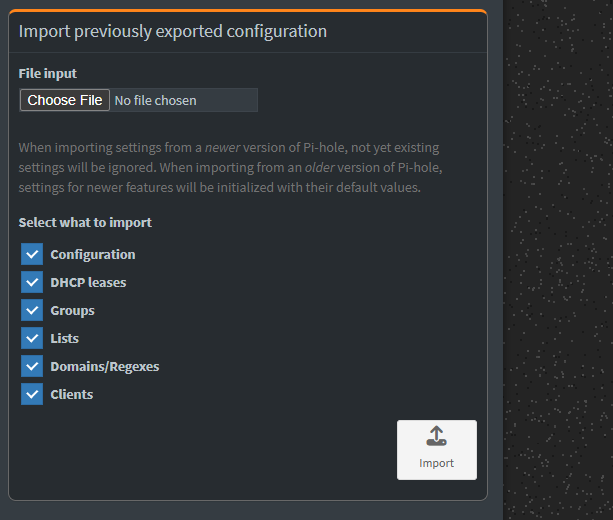
Restore