




Plex Accept and create account.
Accept plex invite and create a account for plex.
Step 1

Invite will be in your email inbox, open the email.
Step 2
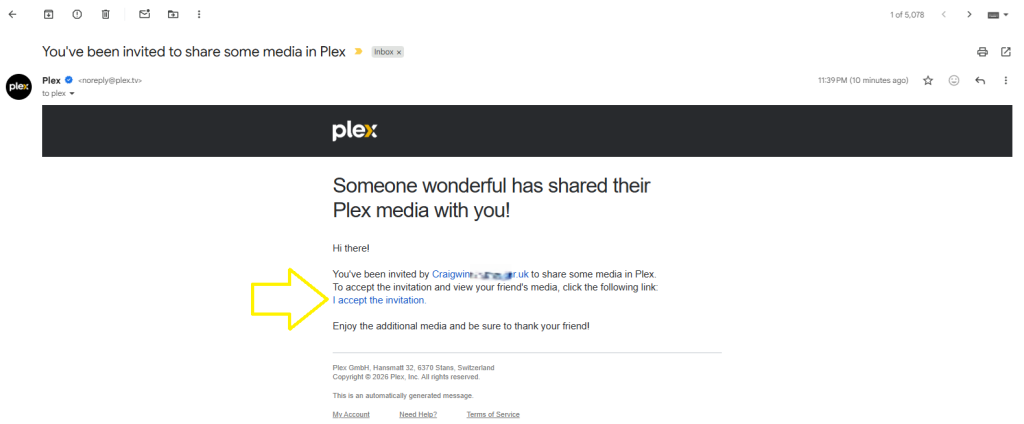
E-mail invite, Select the invite link. see picture above.
Step 3
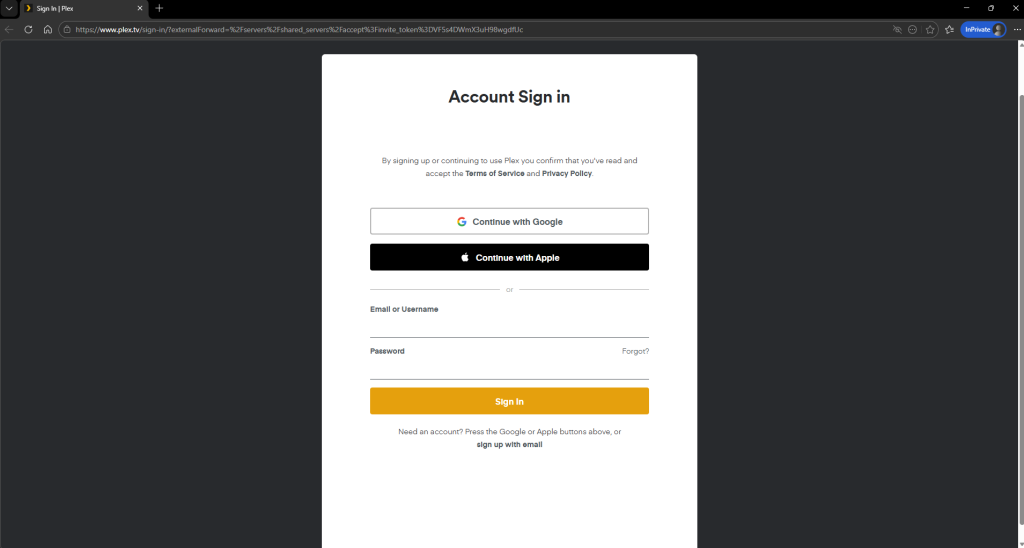
If you do not have plex, you will need to create a account for use my library. if you do have a account just login. new user jump to step 4
Step 4
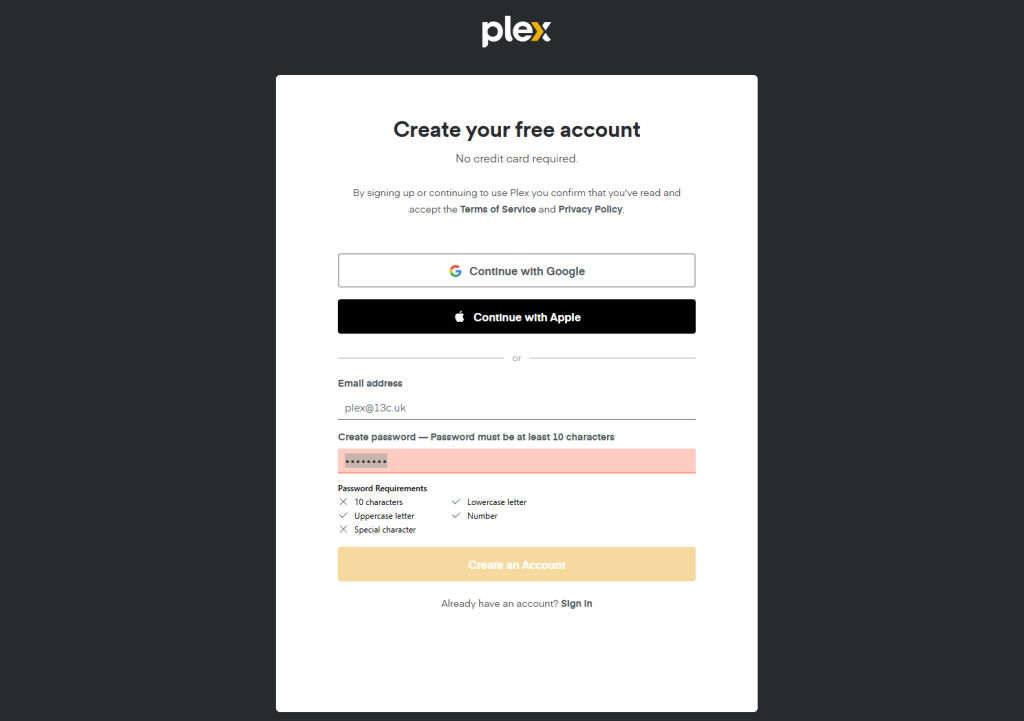
After you select sign up with email you will need to now create a account.
Step 5
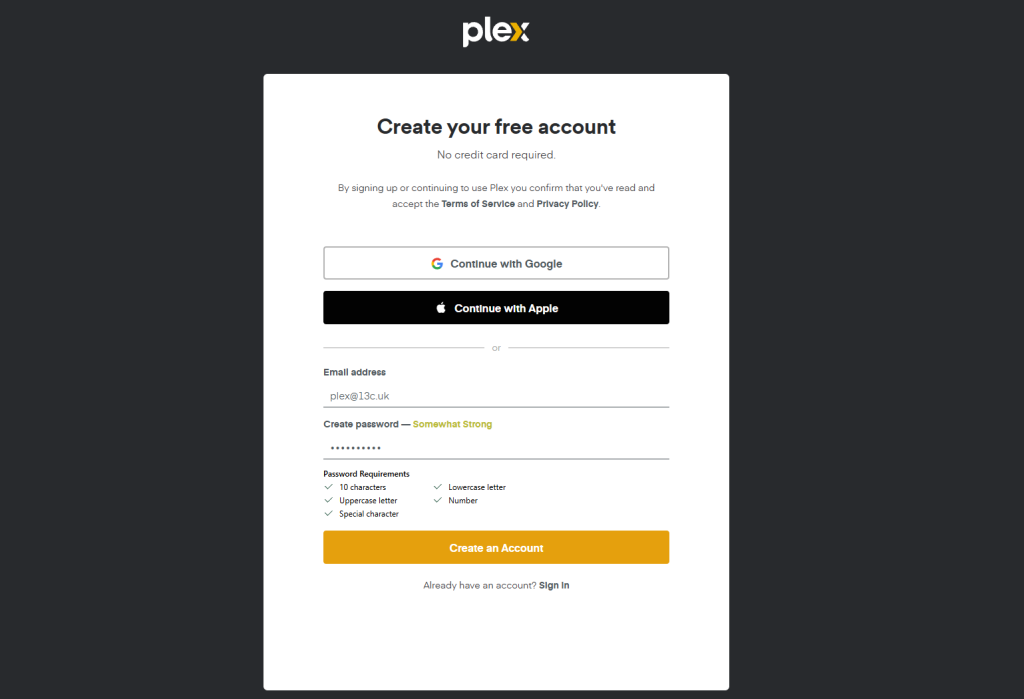
Remember to user the 10 character rule with a special character aswell.
Step 6.

If everything went well you will be asked to login
Step 7
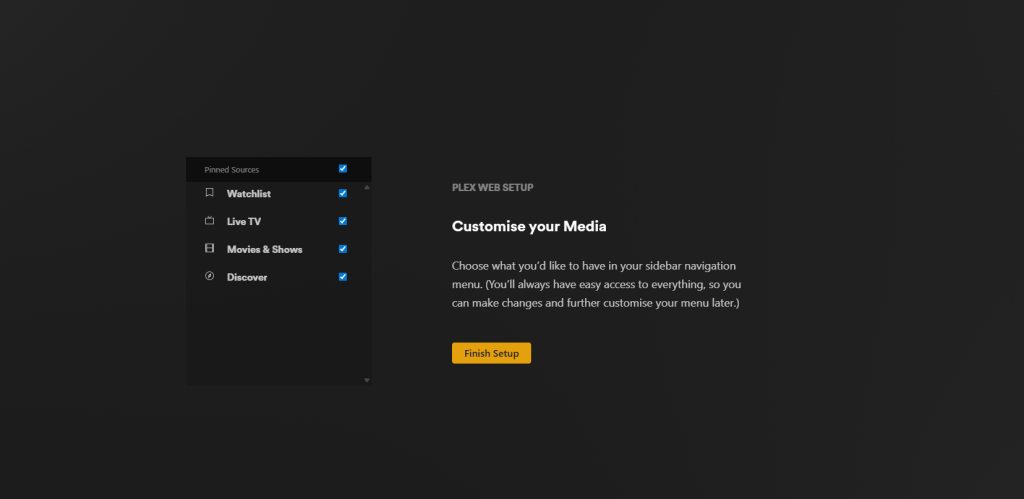
Select finished setup
That’s is you setup. now to view my library, there is a few steps.
Step 8
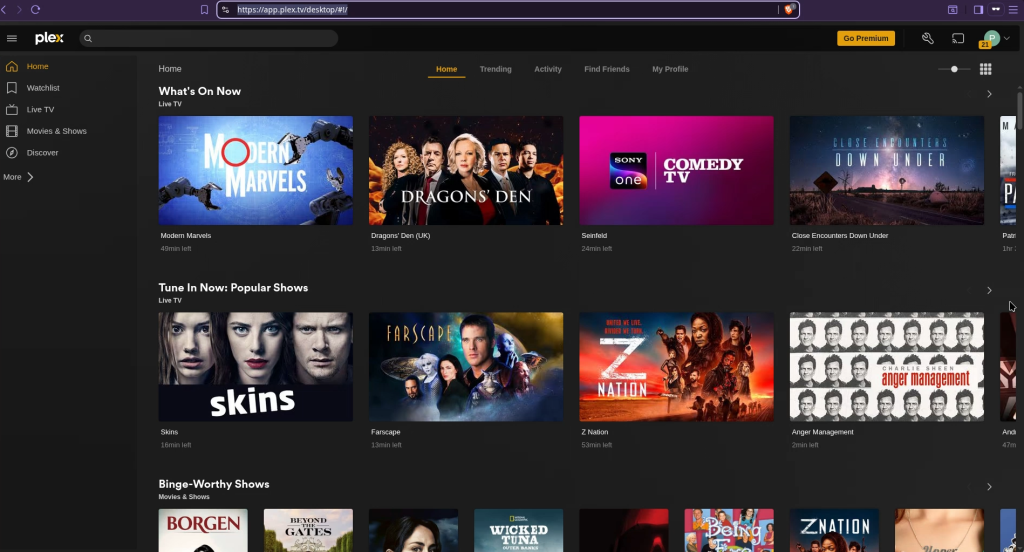
Copy and paste this into your dashboard of your browser or select the below.
https://app.plex.tv/desktop/#!
This will be where you can watch moves, but first we need to pin my library to your dash board.
Step 9
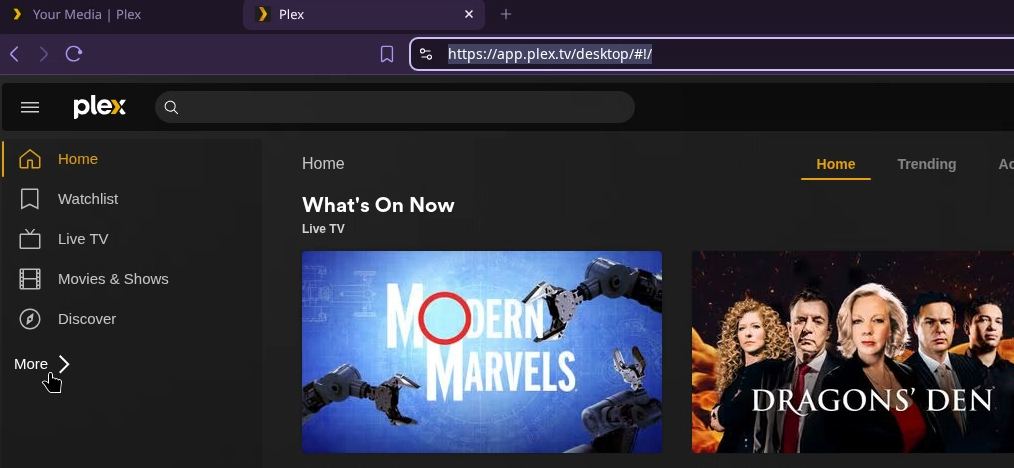
Select more on the left hand side.
Step 10
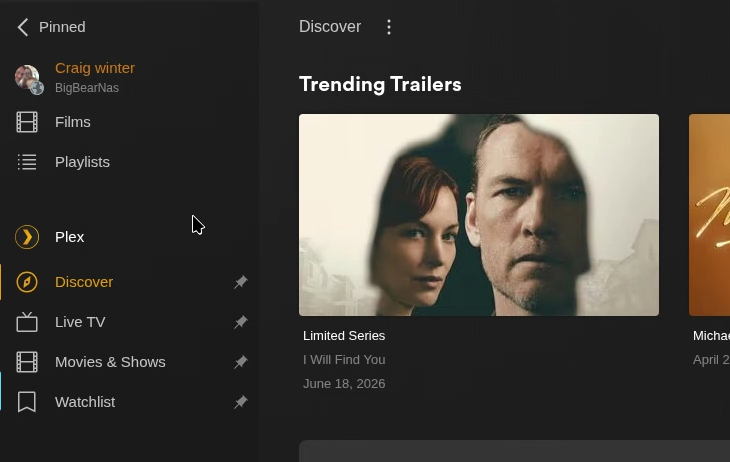
You should now see my library show up here.
Step 11
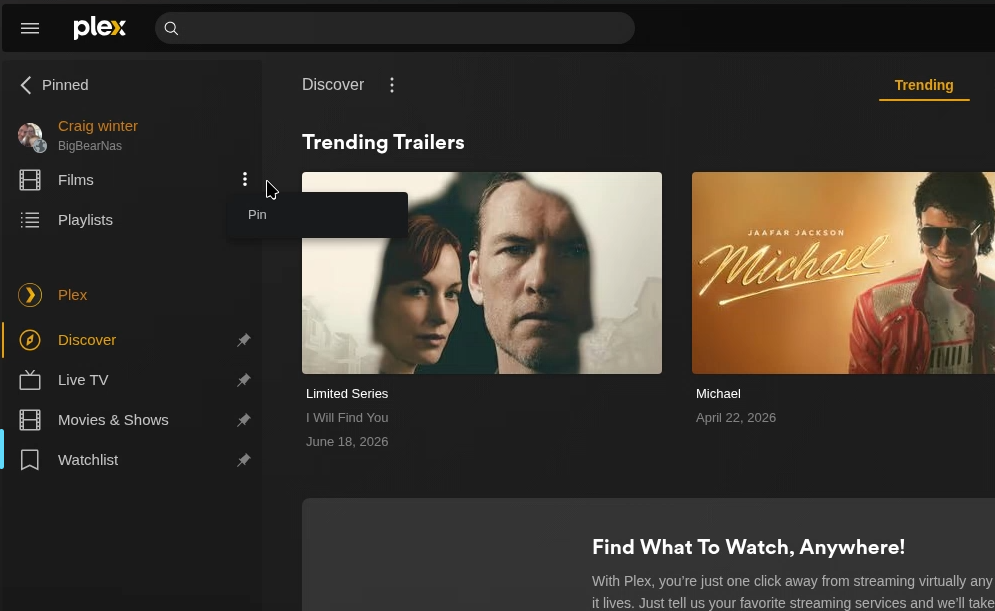
Now select the 3 dots and select pin.
Now you have selected the 3 dots. select the back button next to pinned.
Step 12
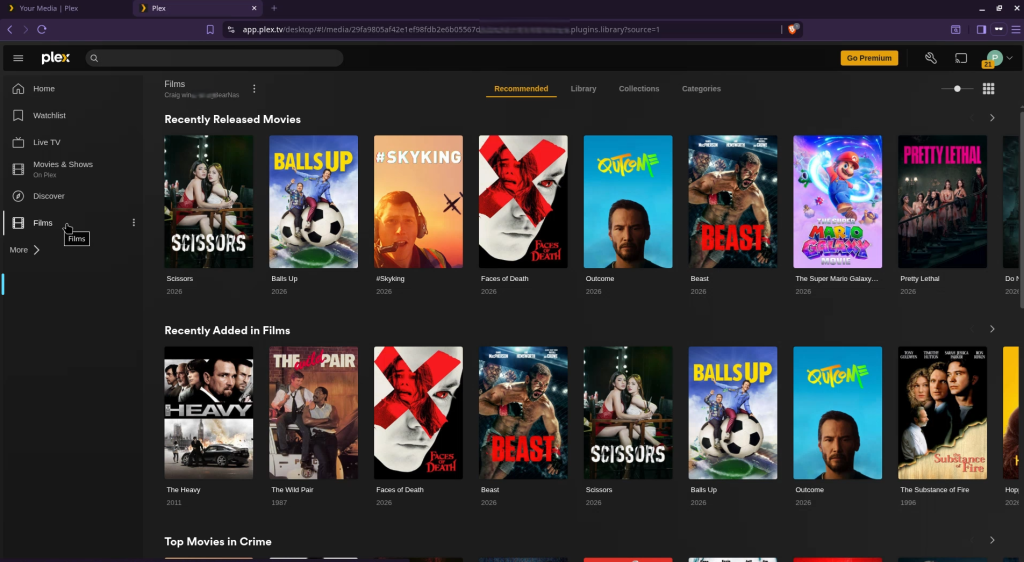
Now when you select films that we pinned, you will see my collection.
Last thing todo is select a movie and enjoy with your popcorn.
Link yours smart TV to your account