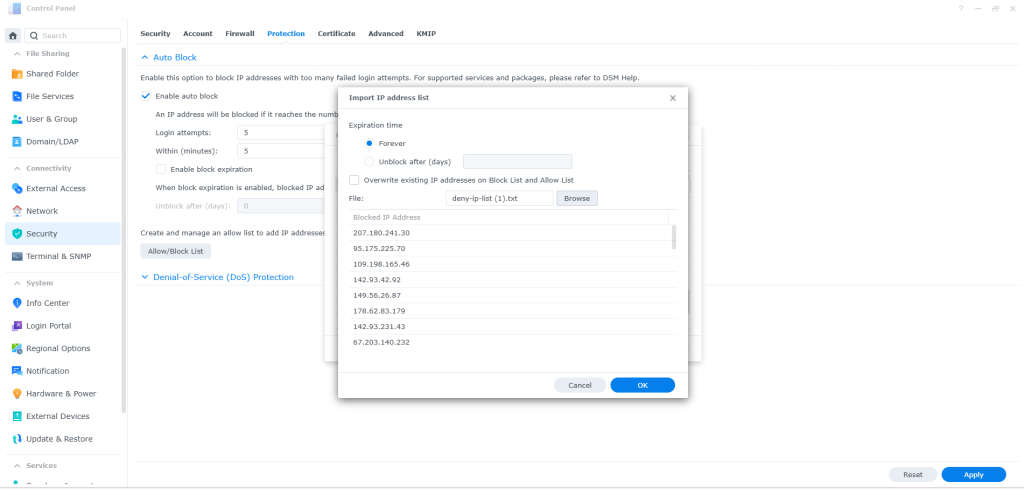




Synology AutoBlock attempted login
On a Synology NAS, Auto Block will automatically block IP addresses that generate repeated failed login attempts — including failed SSH logins
Step 1
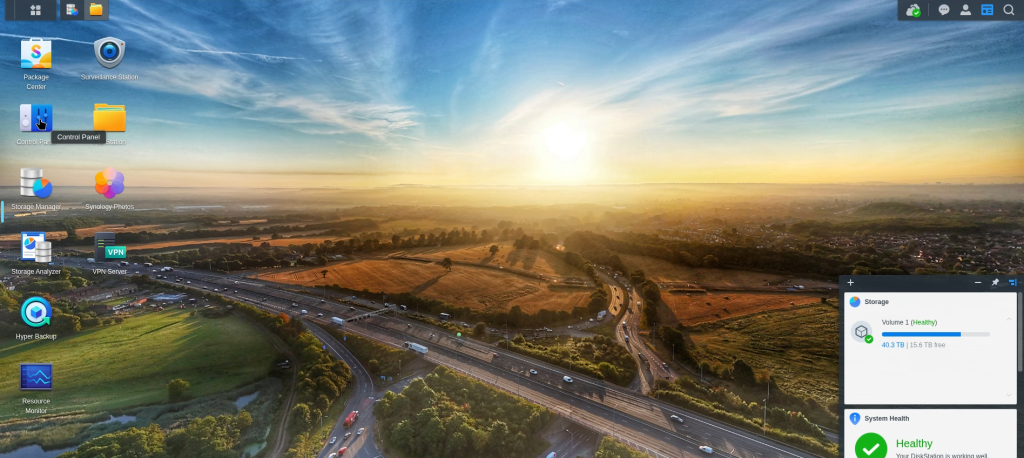
Log into your Synology DSM as an administrator.
Step 2
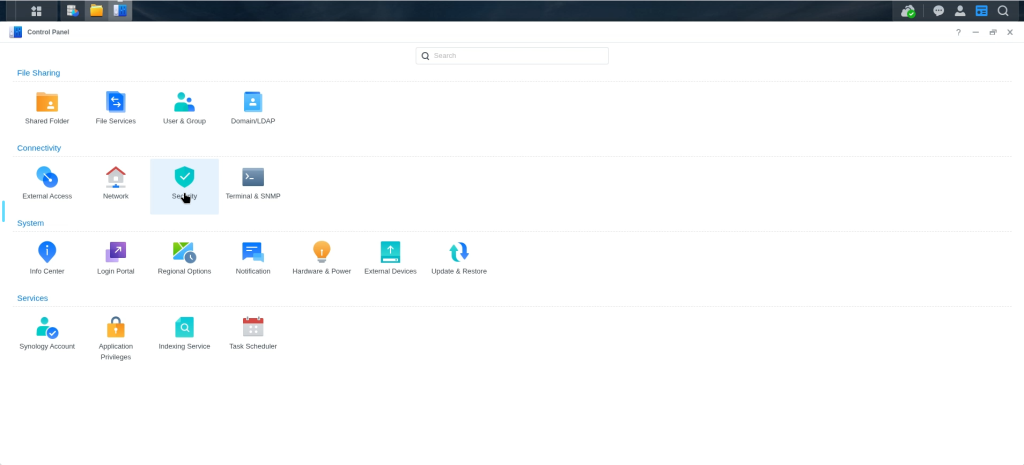
Open the Control Panel.
Step 3
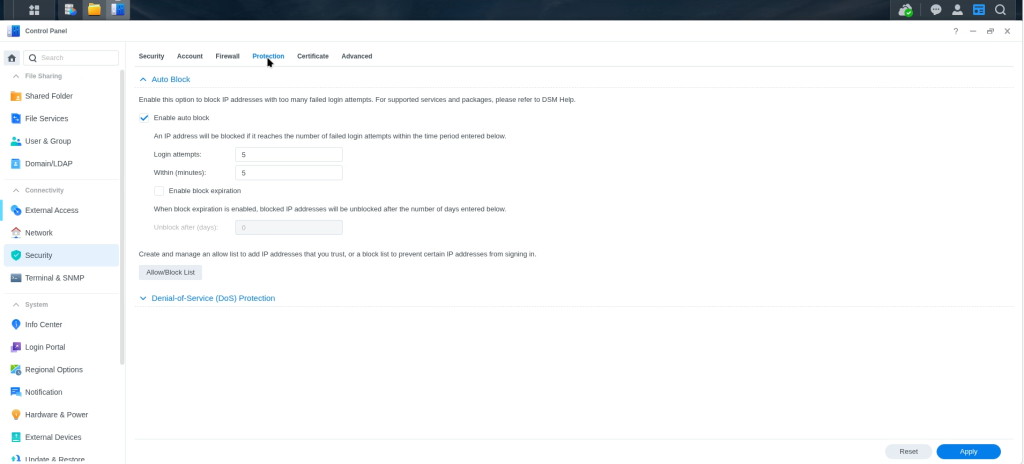
Open Security and Head over to PROTECTION. This is where all the Settings are that we are going to need to setup Auto Block
I Have Login Attempts set to 5 within 5 minutes. but you can set these as you wish.
Step 4
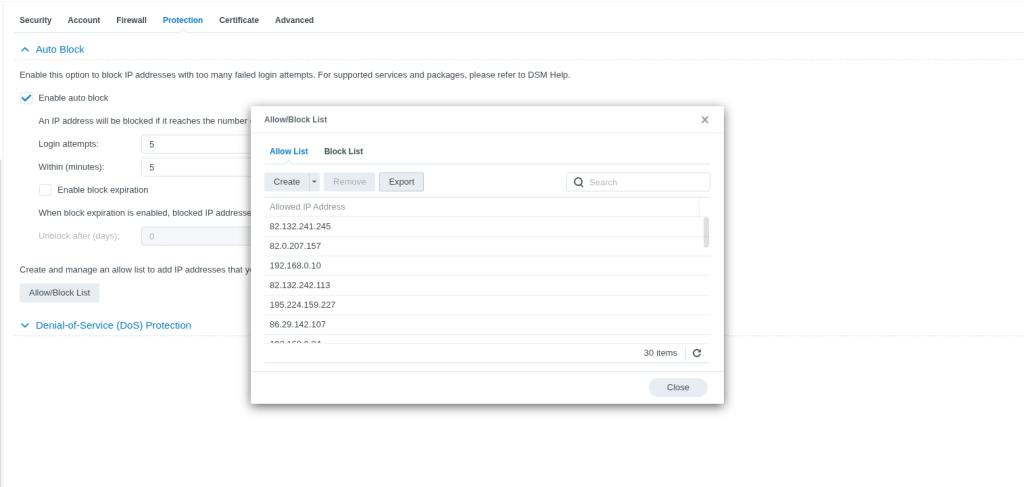
How to stop so many attacks, we need to add a Block list and add any IPS you dont want tobe blocked.
you can leave your nas to start creating the list its self. but this is not advised
I have imported my list from my other Synology server