




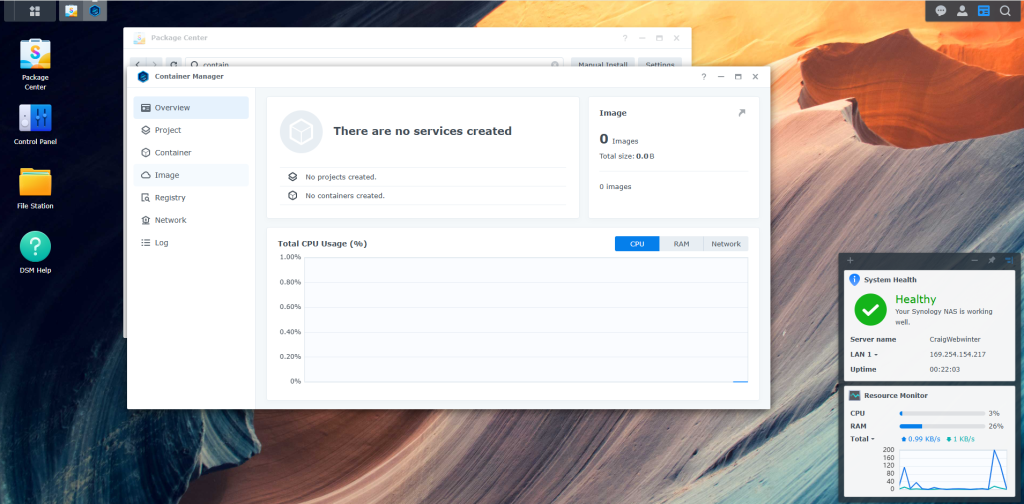
Synology Container manager
Container Manager is a lightweight virtualization application that gives you the ability to run thousands of containers created by developers from all over the world on DSM. The hugely popular built-in image repository, Docker Hub, allows you to find shared applications from other talented developers.
Step 1
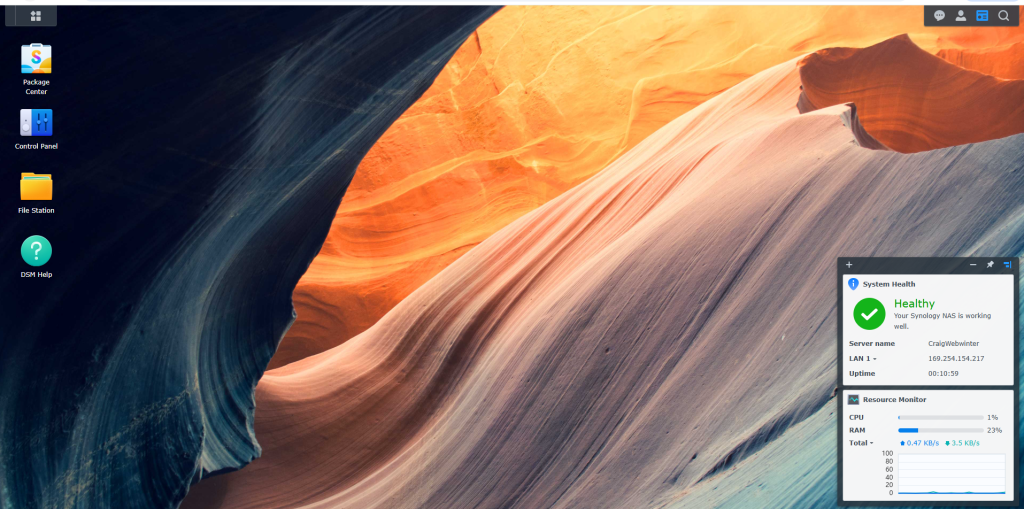
login to Synology DSM
Step 2
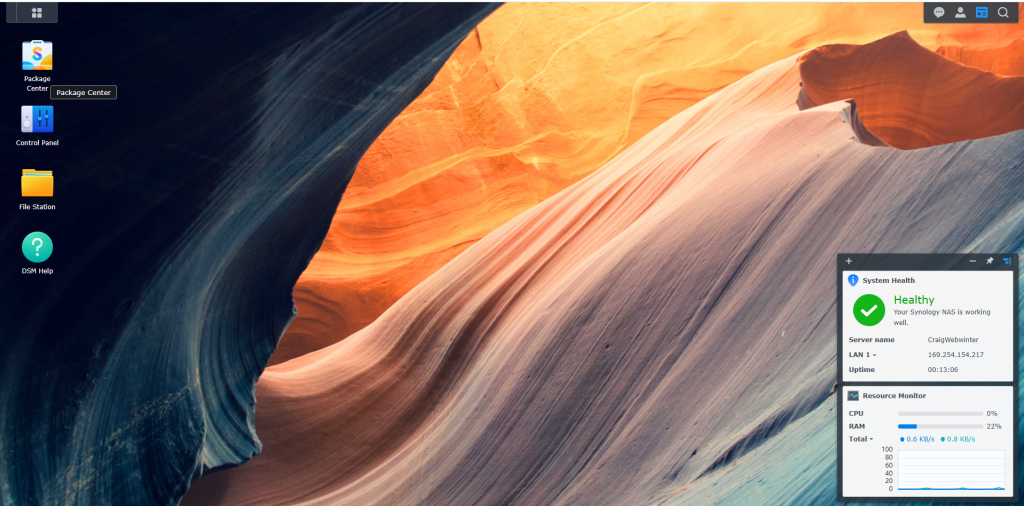
Select package centre
Step 3
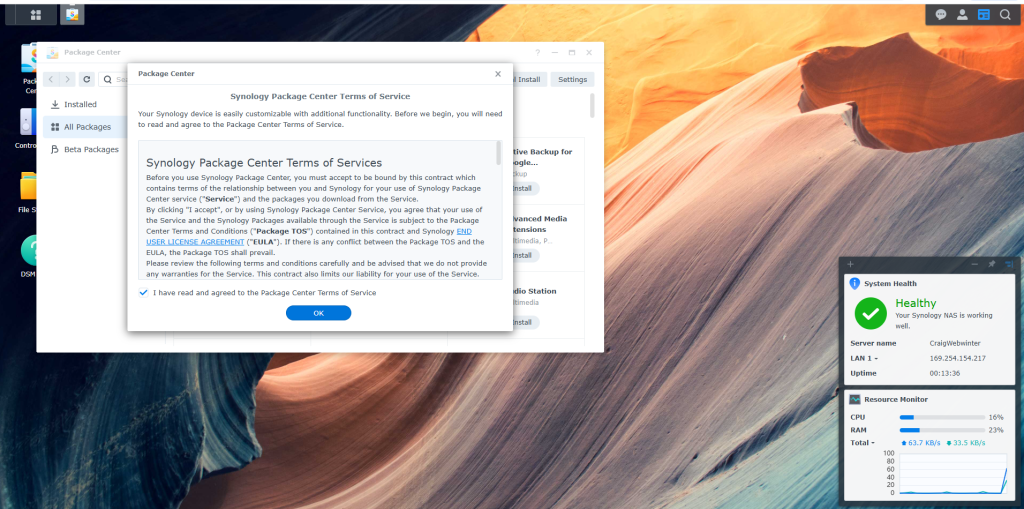
read the terms of usage and select ok
Step 4
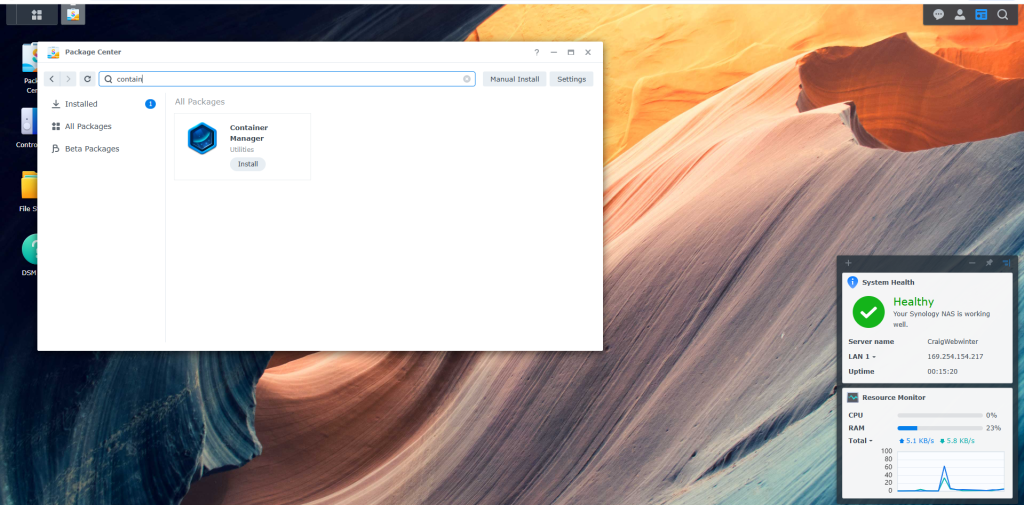
type in container and search like i have done as its faster or u can just scroll through what apps there are.
Step 5
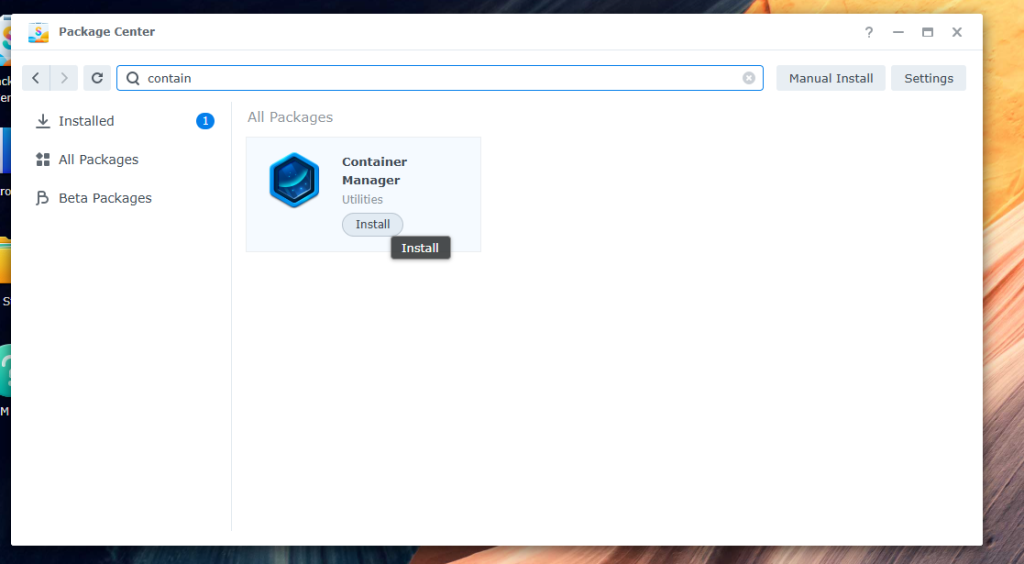
Select install, This will start the download process
Step 6
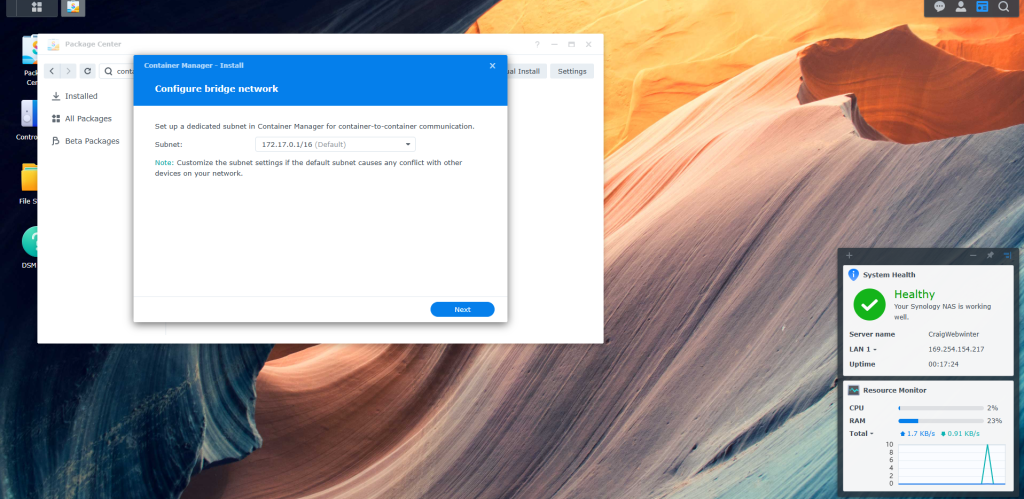
Configure bridge network. and select ok
Step 7
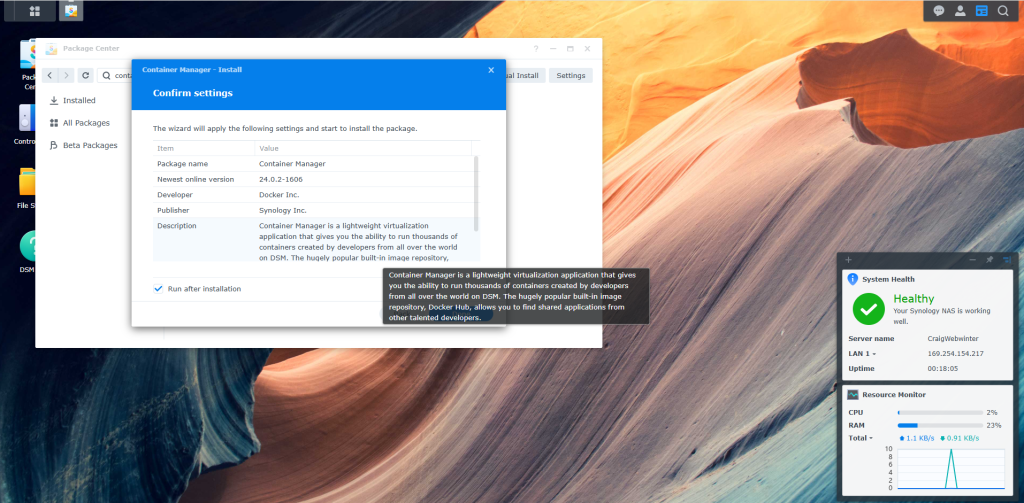
Confirm Settings and select done
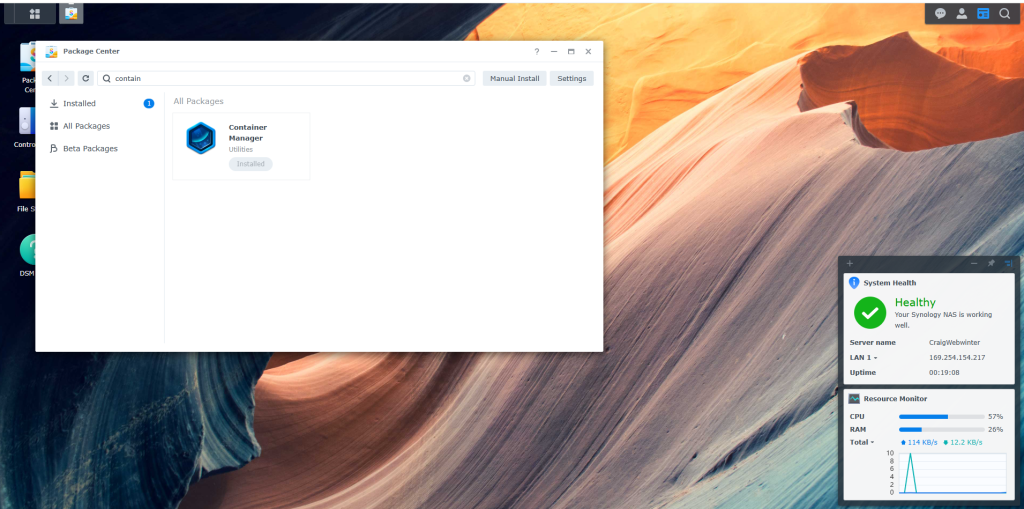
Step 8
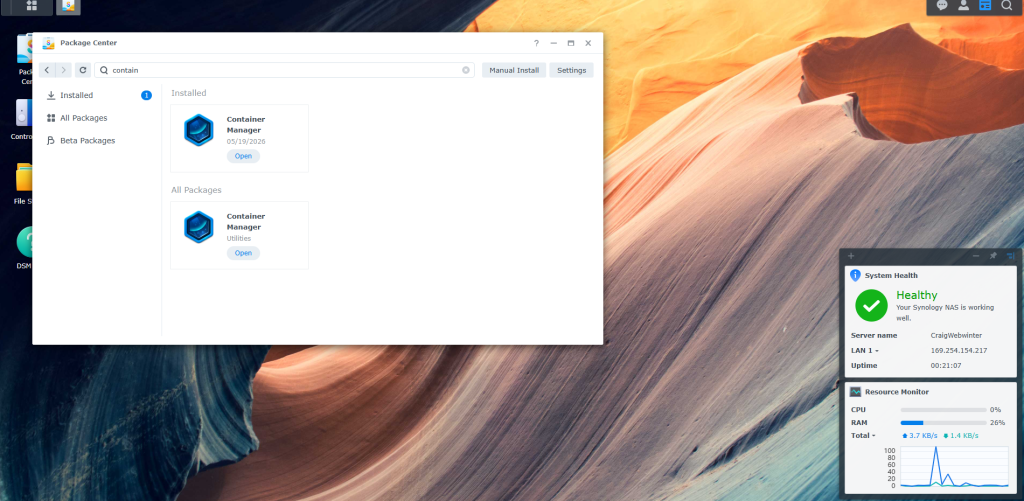
wait for the Container manager to start, When complete you will see container manager pop up in the all packages section.
Step 9
Select open.
Summary
Very easy to setup and Get going. i have norticed there is 26% used of ram now i have this running on my DS220+. this only has 2Gb of Ram i do have 8gb for it coming. so i will see how this compaires as i install dockers onto the DSM.
Share : https://13a.uk/3zhk