



Synology UID And GID

This a Simple guide on how to find out what your UID and GID are
UID = User ID
GID = Group ID
This information is useful and needed for instance when using certain Docker images
Step 1
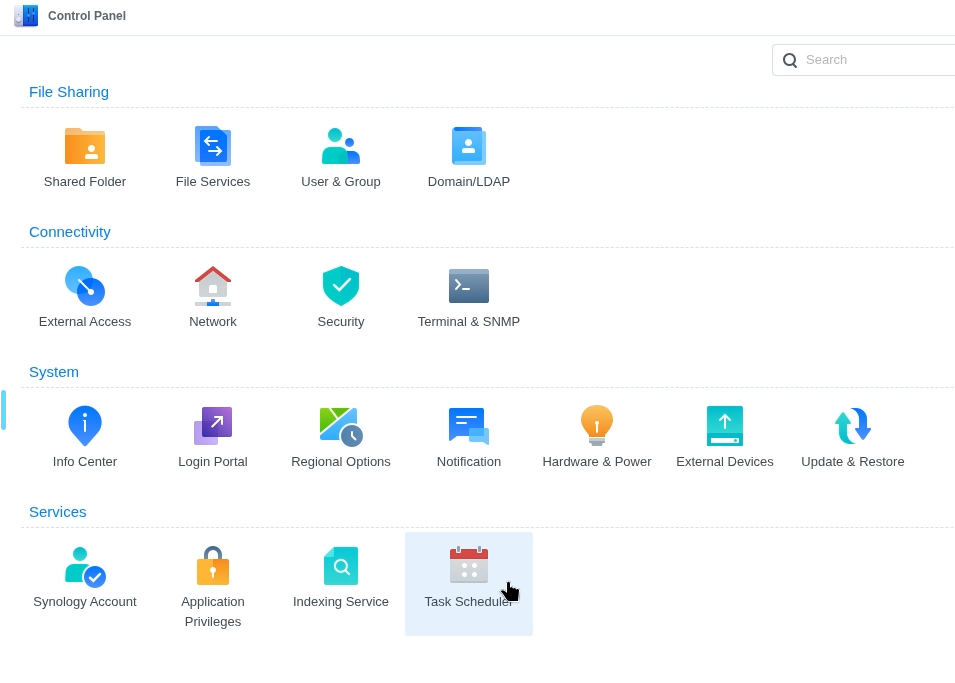
Head over to Task Schedule in control panel
Step 2
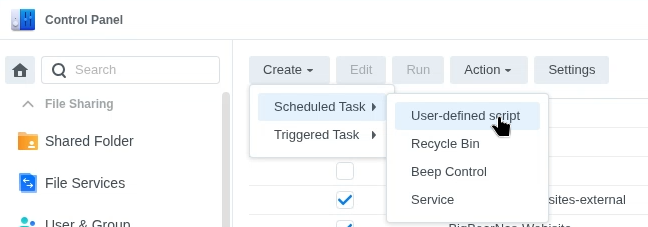
Create new Task, Scheduled task / User-defined script.
This script will allow you to add what ever you want
Step 3
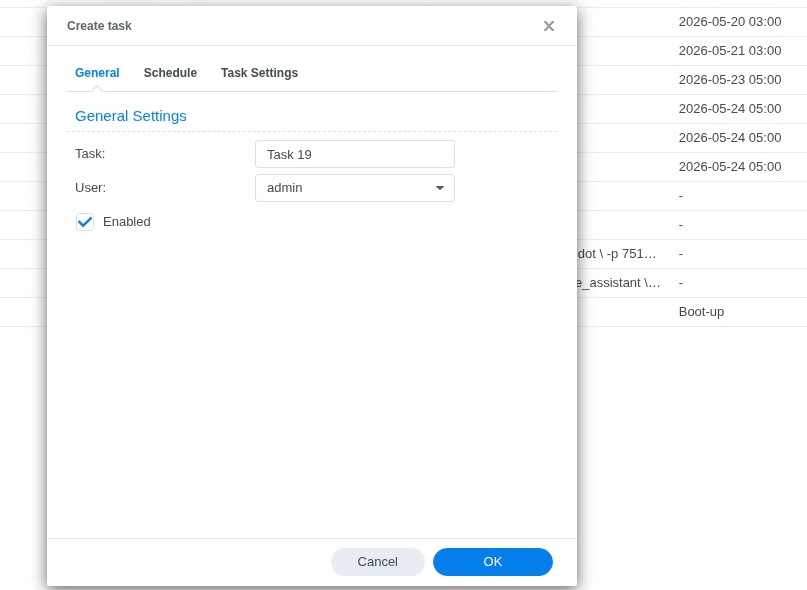
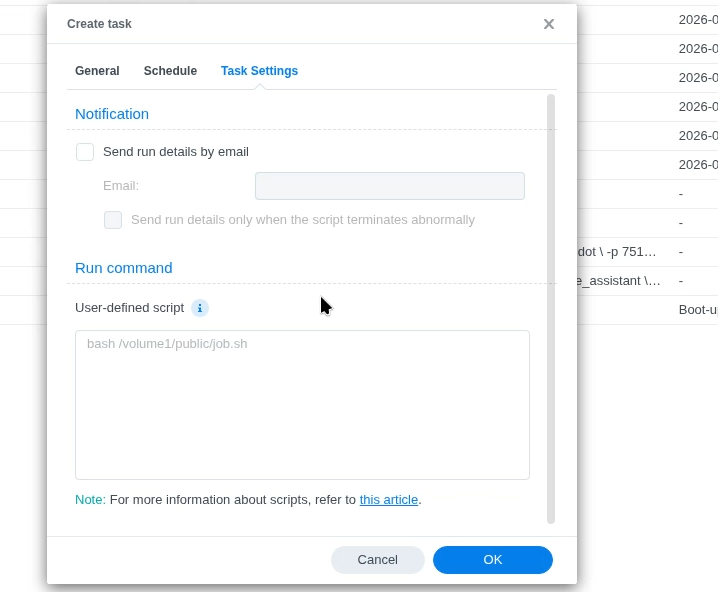
Now Select Task Settings, in here there is a couple of things to cover off.
Step 4
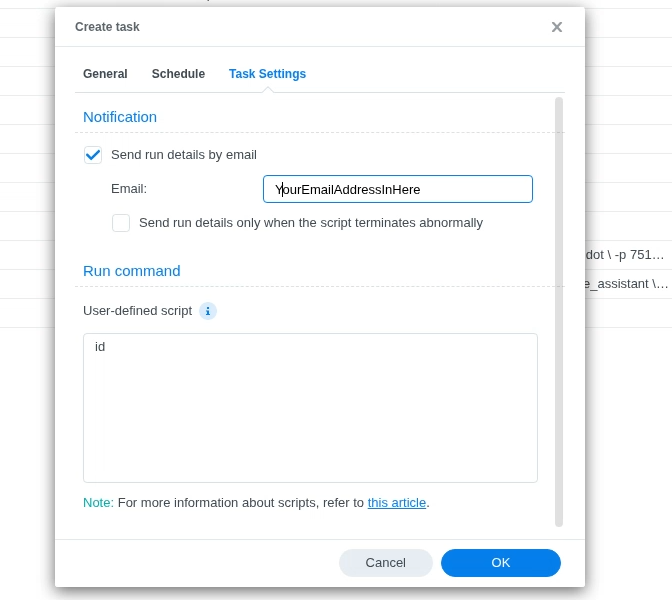
1, Enable Send details by email
2, Type in “ID” in the User defined Script box. this will send you user details to your selected e-mail address
3, Select ok.
Step 4
Now we are ready to run the simple script,

Now high light the script by selecting the script.
Step 5
Select Run

Step 6
Now check your e-mails and you should have a report from your Synology server.
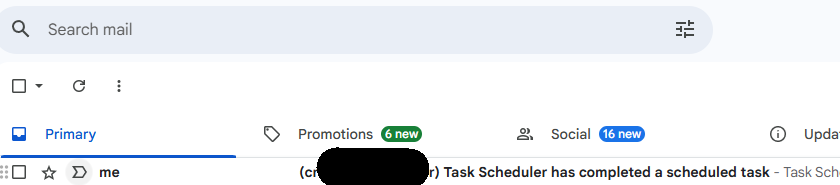
Step 7
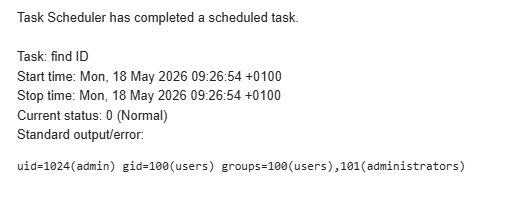
Select the e-mail this will have your User and Group information contained in the e-mail like above.
Summary
It can be frustrating to find this information out, this has made it very easy for me to use and get what i need for my projects. Im really happy with the result. this can also be done through a terminal using the same command(id), but if you are not used to using a terminal it can be abit overwhelming to workout and you also have to have your SSH port switched on. For security i keep this off.