



Disable Enable Synology-SSH
Attackers use automated bots to try thousands of username/password combinations against your NAS. If SSH is exposed to the internet and uses password authentication, it becomes a high‑value target. Synology explicitly warns that brute‑force attempts are continuous and global and recommends enabling system‑level protections to block them.
Step 1
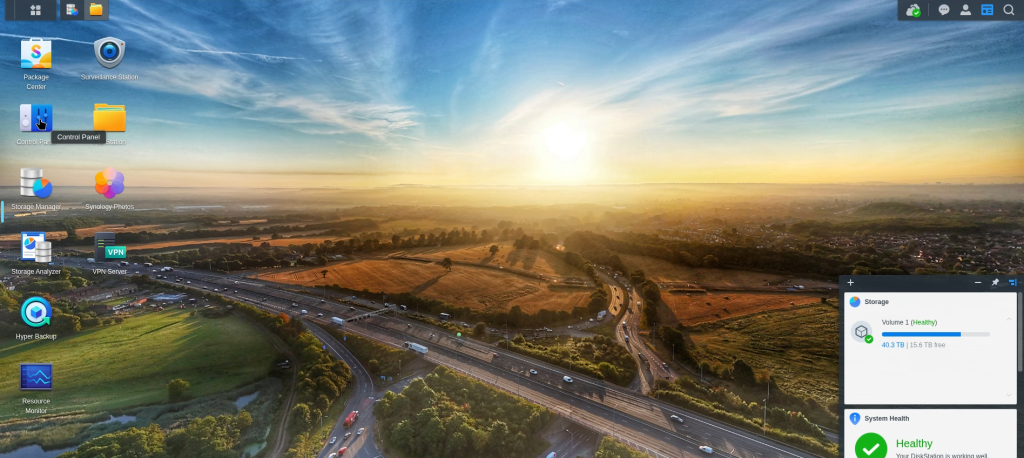
Log into your Synology DSM as an administrator.
Step 2
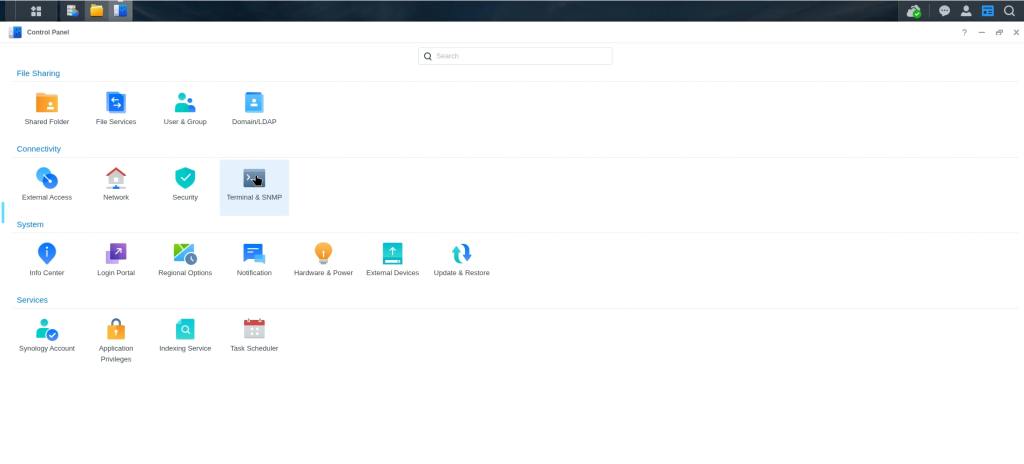
Open the Control Panel.
Step 3

Navigate to Terminal & SNMP (or Terminal in older DSM versions).
Step 4

Go to the Terminal tab.
Step 5

Uncheck the Enable SSH service box and Uncheck the Enable Telnet service box
Step 6

Click Apply or Save
Now we have completed this we also need to look at Auto block as a extra level of security, Head over to here