



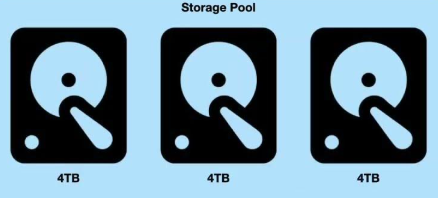
Expanding my Storage pool on My Synology Server
I inserted a new drive and thought to add this to my site, its a simple process but i think interesting to look at.
Step 1
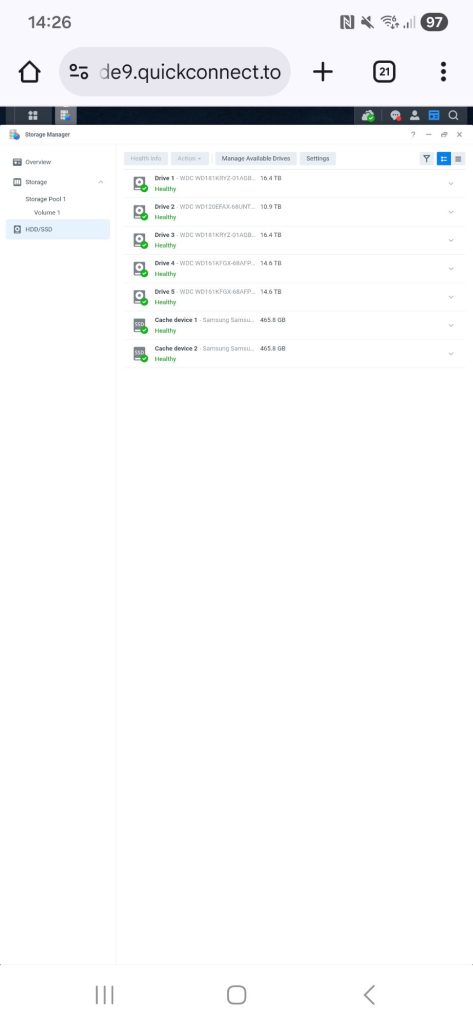
Insert the drive and head over to HDD/SSD to check the health of the dirve. this is a basic health check. should be green, this is to indicate that the drive has spun up ok and ready .
Step 2
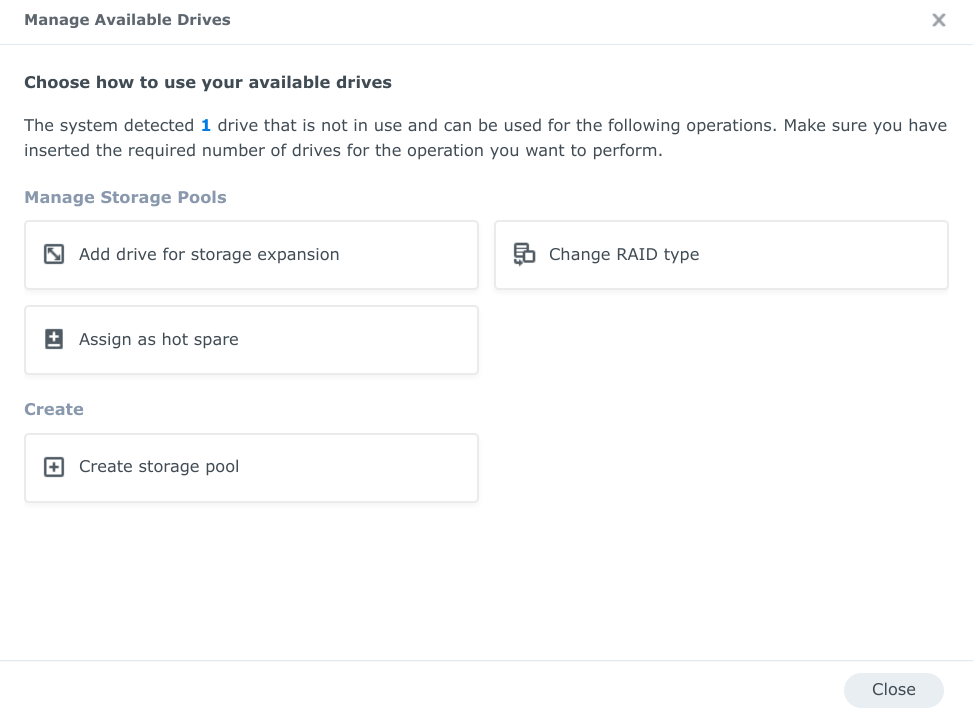
While you are in the HDD/SSD Section you will see a button at the top of the page labelled Manage available drives. Select this button.
Now you will be presented with a number of options, you want to select
Add Drive for Storage Expansion
This will add the newly added drive to the pool you currently have and expand the pool.
Step 3
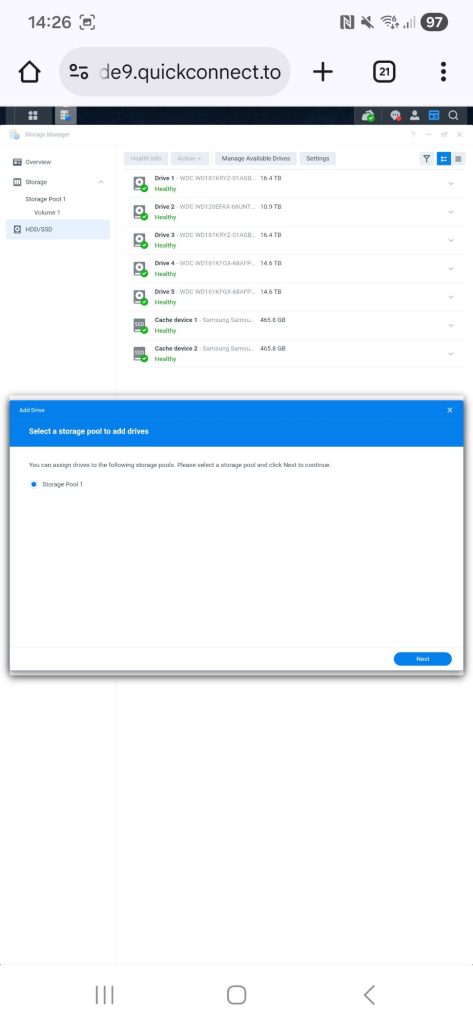
Now we have selected Add Drive for Storage Expansion you will be asked what pool you want to add the drive to. in my case Storage pool 1
Step 4
You will be prompted with a Notice of the drive is not part of the Synology product compatibility list. Just Select Continue.
I have updated my Station to now i can add none Synology drives again
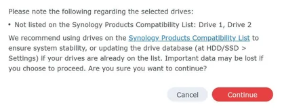
Step 5
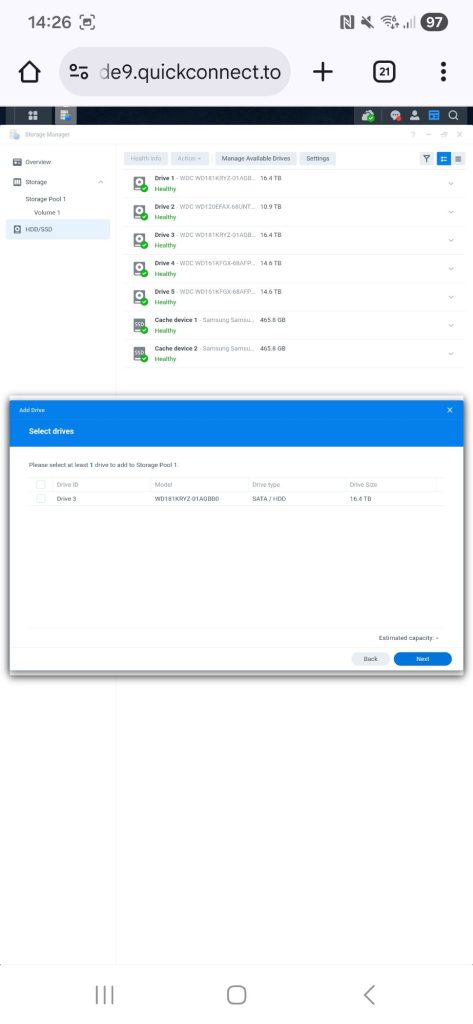
Now we can select the newly inserted drive for adding to our pool.
In my case i have inserted a WD gold 18TB Drive.
Step 6
This Popup you will nee to select the volume you want to expand And then select next.
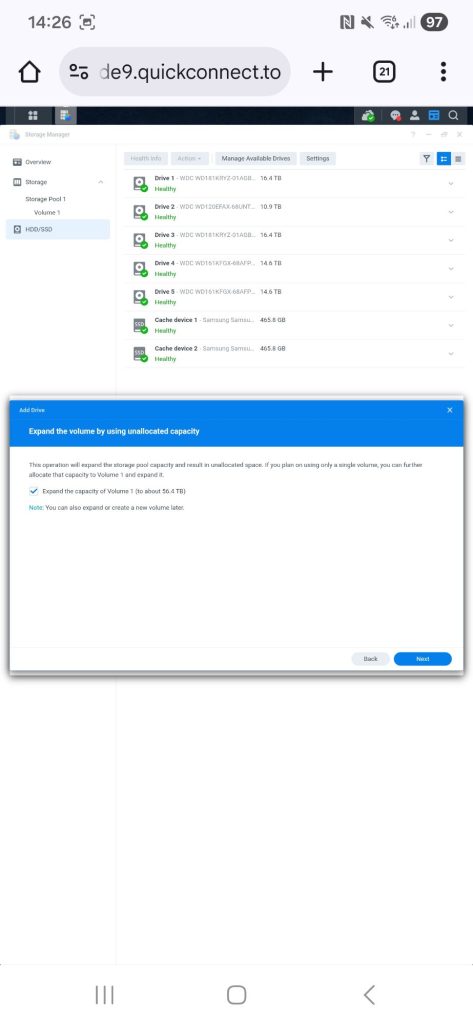
Step 7
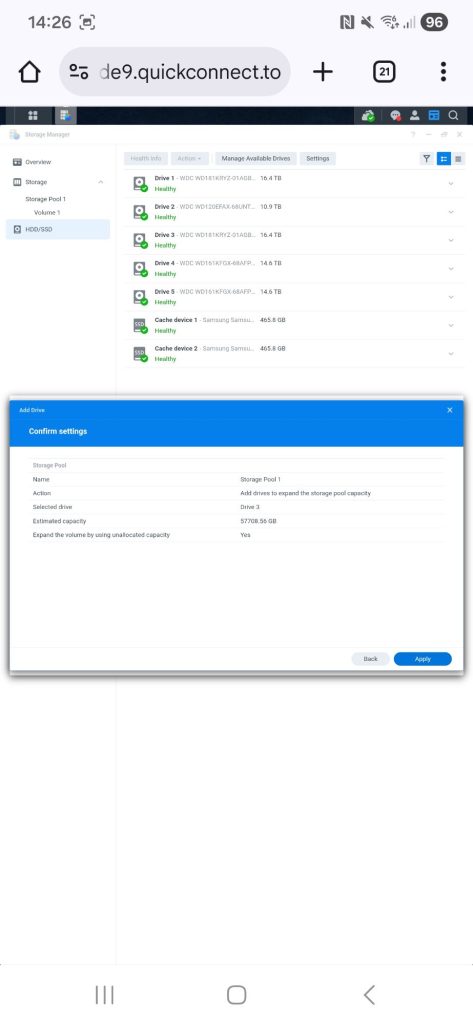
This Popup is to confirm what you have selected. in my case
Storage pool 1
Drive 3
Expand pool
capacity after expansion
Step 8
Next Popup
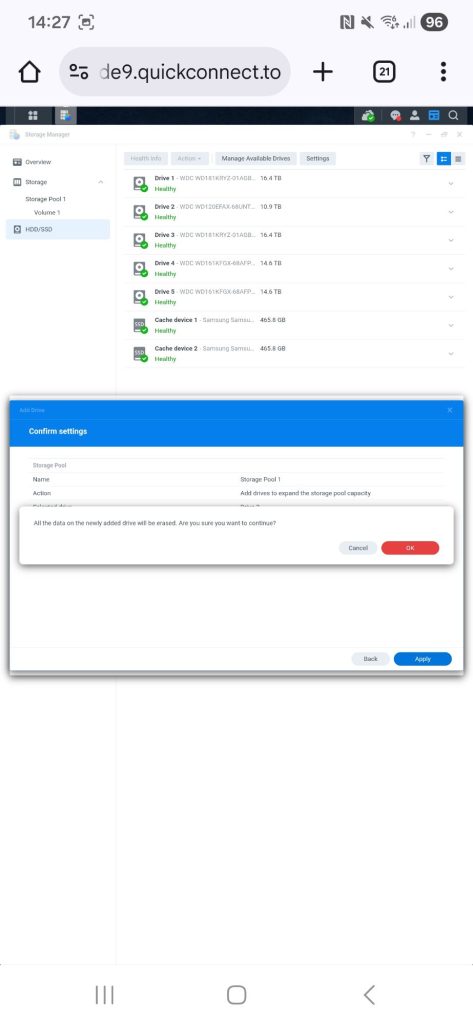
Although you have a Red button do not panic. Synology is confirming you are Clearing all the data if there is any on the newly inserted thive tht you want to add to the pool you have selected.
Just Select OK to start the process of expanding the pool.
Step 9
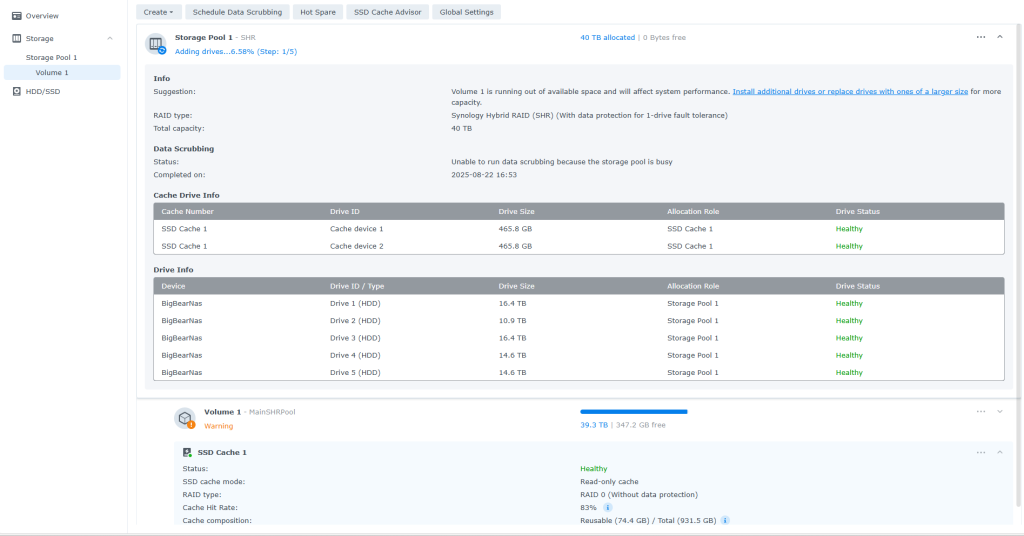
Now select Storage / Storage pool 1 / Volume 1 in my case
everything look ok. if you look closly at the storage pool at the top. You will See Adding drive.

Now this process can take some time Depending on the size of the drives. and the pool is at its most vulnerable stage of its life while this process is taking place, so ensure you have a UPS installed on your Server.
Final Thoughts
Although this is a straight forward process it can take some time todo from start to finish. Synology has made it very easy todo just about every Task needed. im happy over all.