



Web Download Button
The download button needs tobe easy to install and use for myself. This is what i
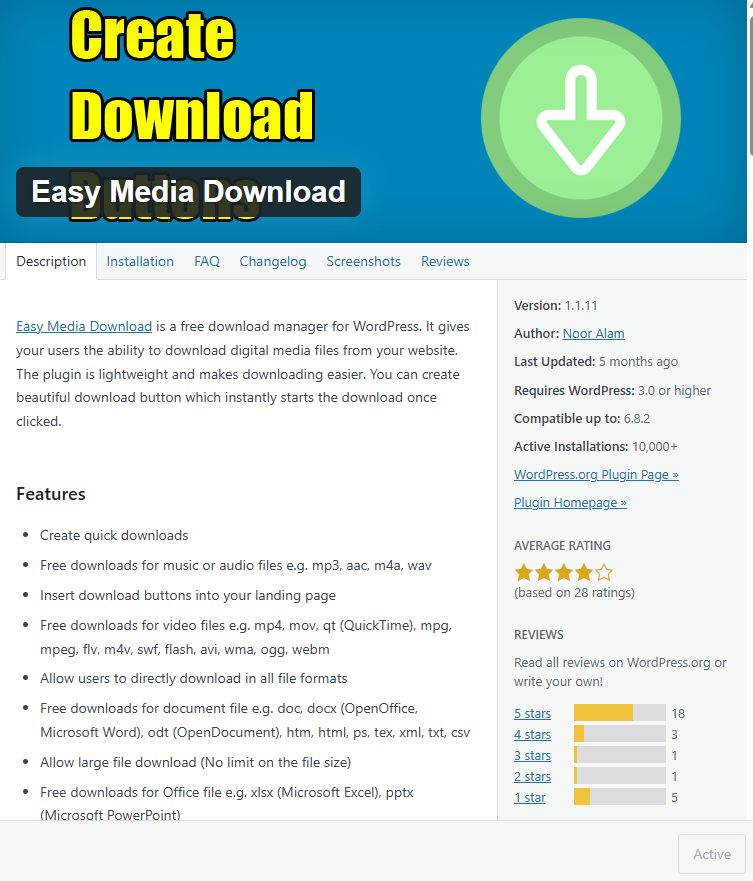
goto settings and easy media download
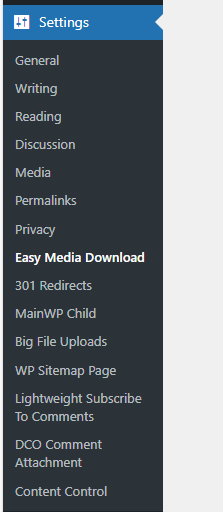
the menu is very basic put perfect not full of things to confuse you
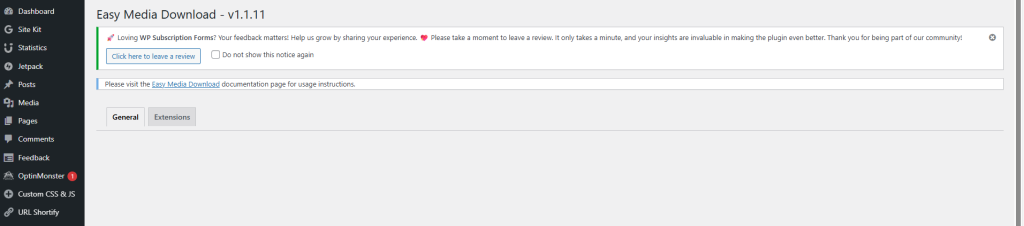
Download Button Templates
Easy Media Download allows you to customize download buttons in 21 different styles. The default style is red_darker which can be specified in the color parameter of the shortcode.
[easy_media_download url="https://example.com/wp-content/uploads/file.zip" text="Free Download" color="red_darker"]Other available styles:
- grey
- grey_light
- red
- green_dark
- green_light
- green
- blue
- blue_two
- blue_three
- blue_four
- orange
- orange_two
- orange_light
- orange_dark
- purple
- purple_dark
- purple_light
- yellow_red
- hot_pink
- pink
[easy_media_download2 url="https://example.com/wp-content/uploads/file.zip" text="Free Download" bg_color="#3498db" hover_bg_color="#3cb0fd"]you will also need a file manager, i went with wp file manager
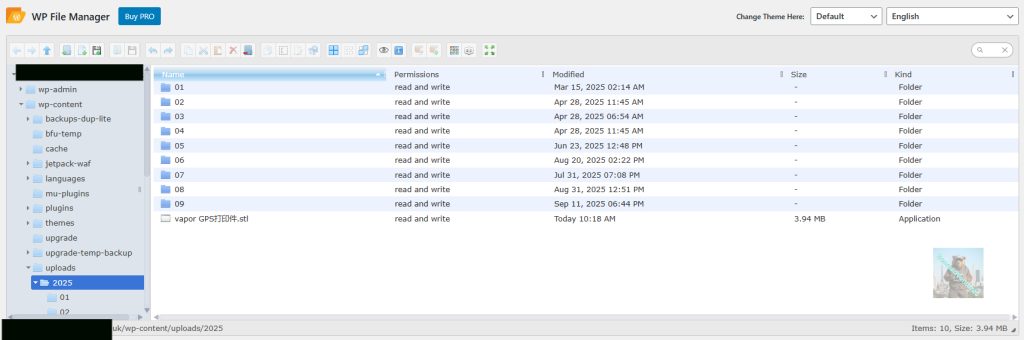
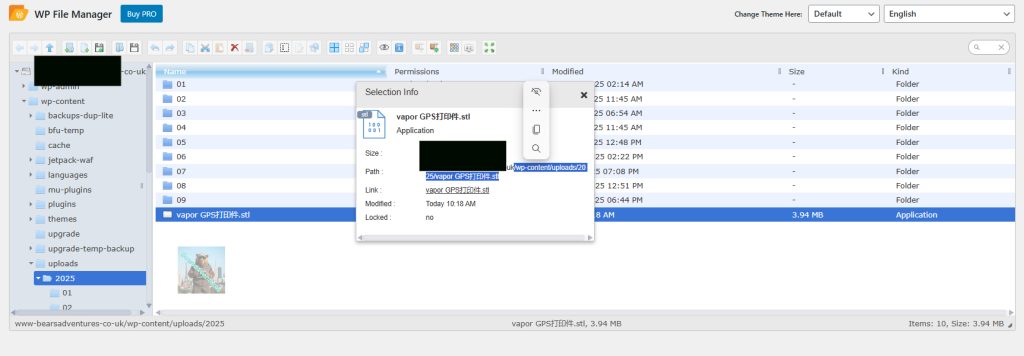
to get the file path, right mouse on the file and press info. you need the file path after your website. in my case below.
/wp-content/uploads/2025/vapor GPS打印件.stl
[easy_media_download2 url="/wp-content/uploads/2025/vapor GPS打印件.stl" text="STL file" bg_color="#3498db" hover_bg_color="#3cb0fd"]finished resulf