




Synology website Setup
web setup on nas
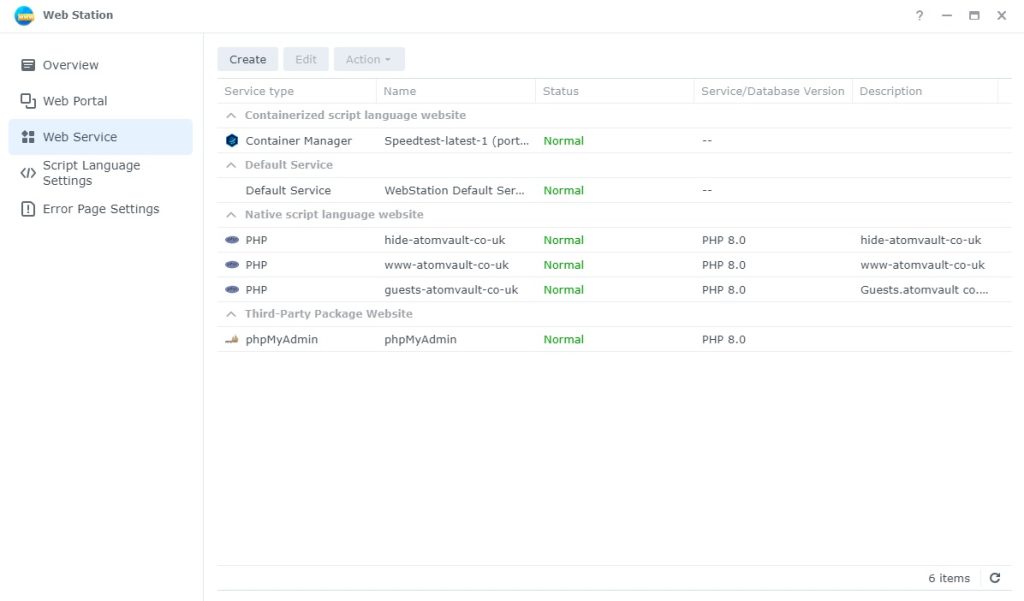
web setup
Web portal and web services
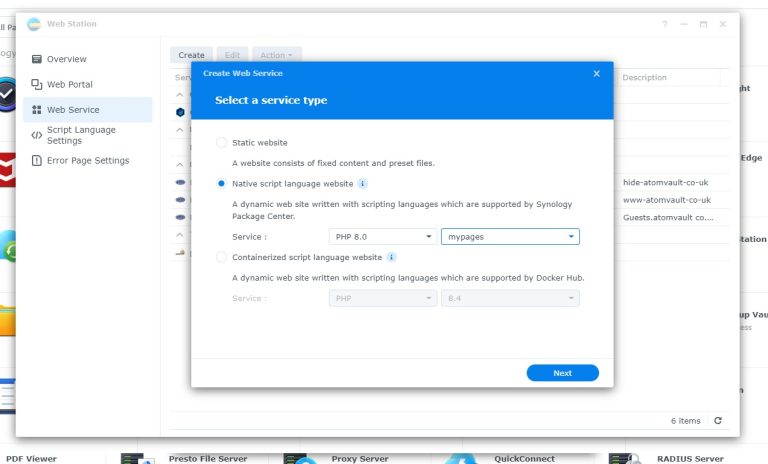
Select Native script and under services make it PHP 8 and select my pages, you can create your own page in there
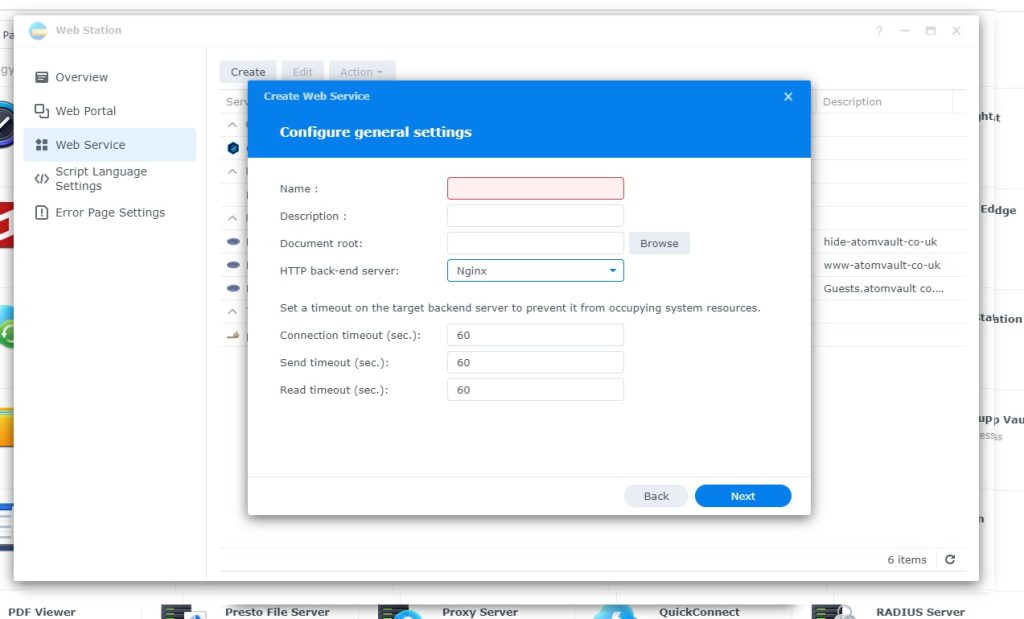
Name your web service nowmally i uses the website with dashes in instead on . like this www-example-co-uk
doc root is where all the files will be sorted
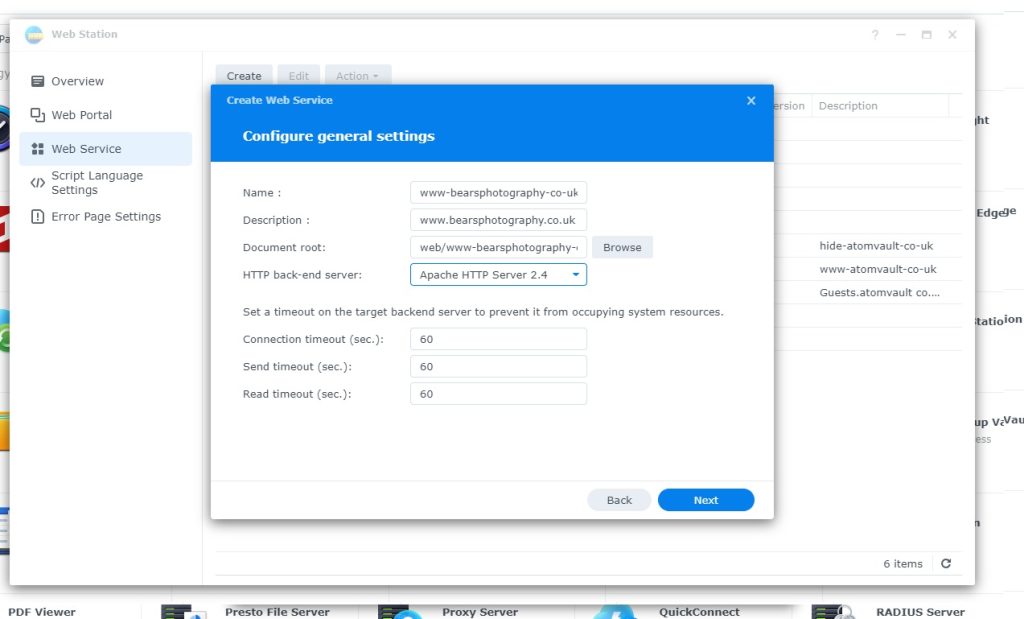
http back-end needs tobe apache

webservice
setup script language

package server setup
Setup Directory
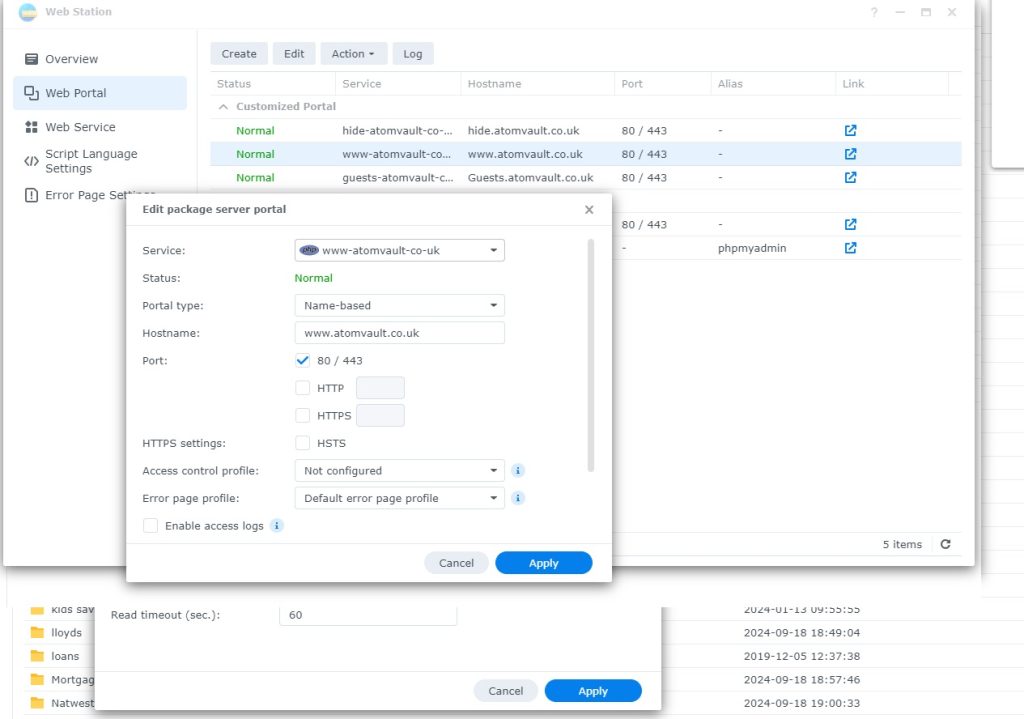
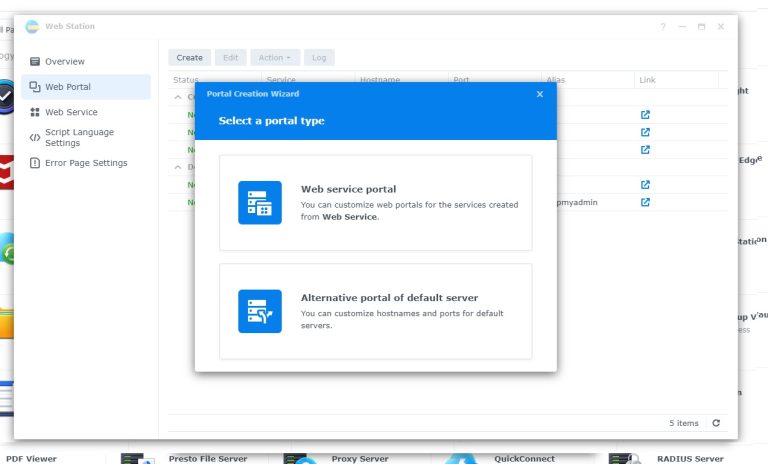
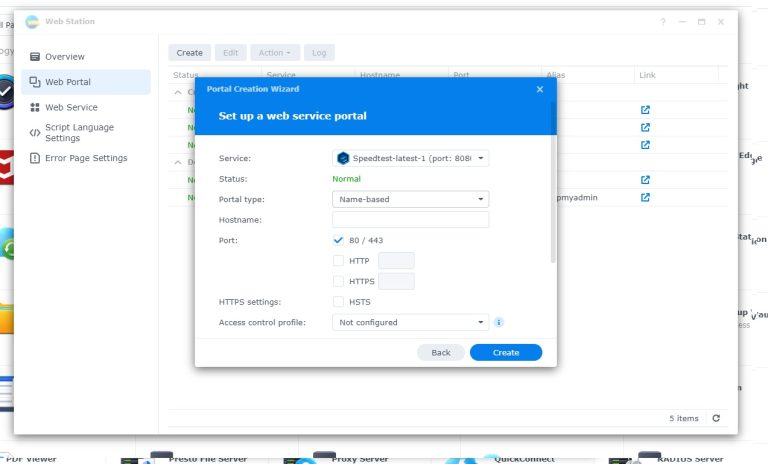
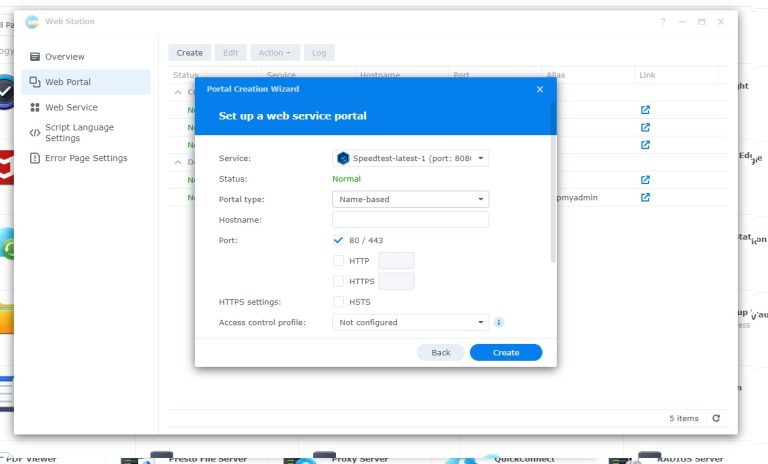
select the service you created in the web services
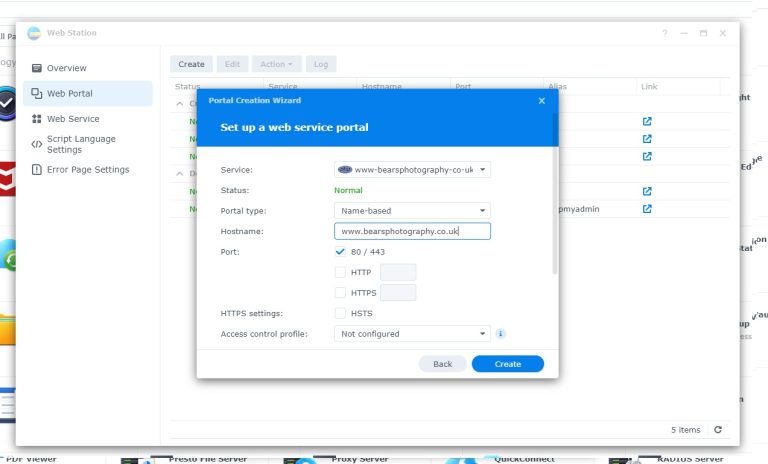
completed form
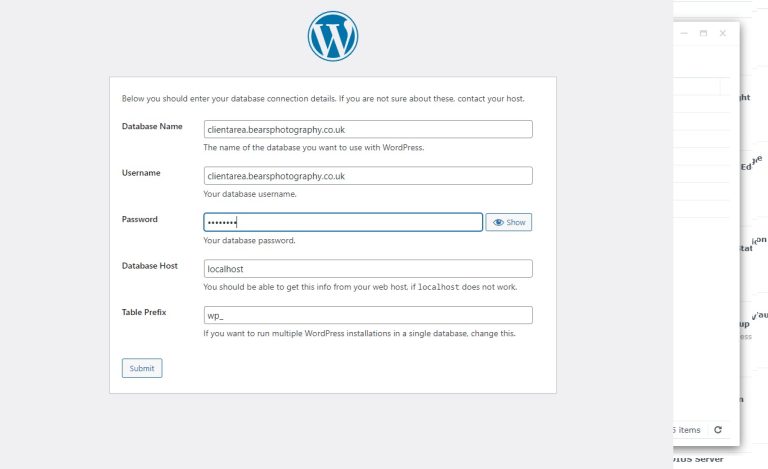
Login to phpmyadmin 192.168.1.1/phpmyadmin

must be on local network.
user must be root for this
and password is what ever you set it at at the beginning 10 characters . reset password on maria db in dashboard of Synology DSM

create user and database together .
host name set to local
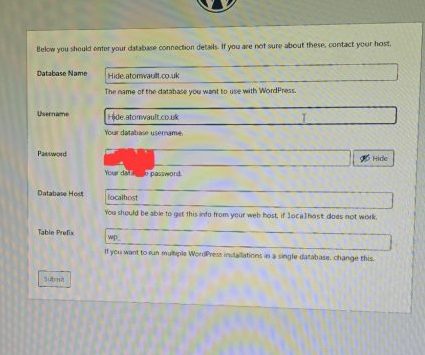
database name and username same as webpage
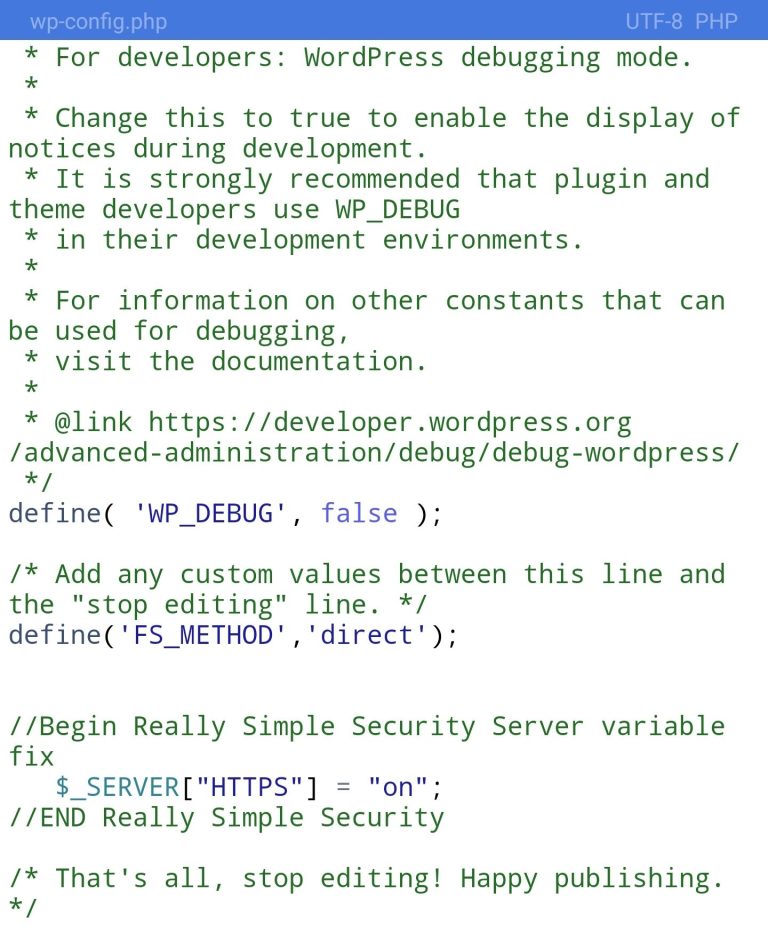
insert the following in wp-config.php
/* Add any custom values between this line and the “stop editing” line. */
define(‘FS_METHOD’,’direct’);
//Begin Really Simple Security Server variable fix
$_SERVER[“HTTPS”] = “on”;
//END Really Simple Security
/* That’s all, stop editing! Happy publishing. */
Leave a Reply