



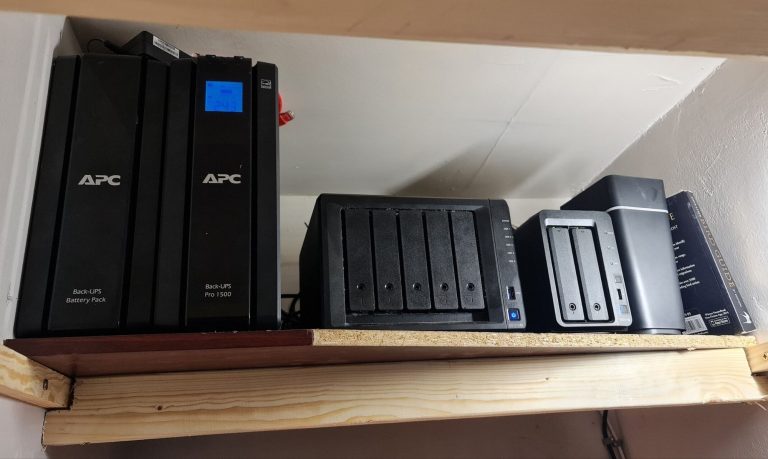
Synology And Network Tutorials
What is Synology NAS?
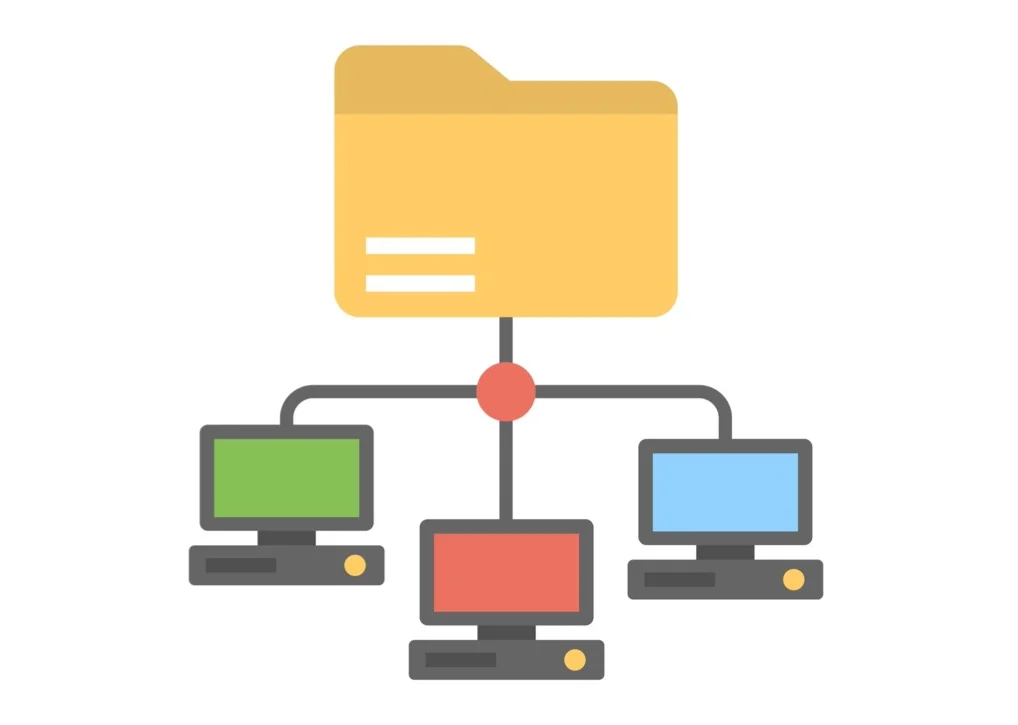
Synology NAS is a multi-functional Network-Attached Storage server, serving as a file-sharing center within an organizations’s intranet. Moreover, it is specially designed for a variety of purposes, allowing users to perform the following tasks with the web-based Synology DiskStation Manager (DSM):
Set up Print Server
Store and Share Files over the Internet
Scan Settings with Security Advisor
Manage Files with Web-Based File Station
Transfer Files via FTP Using VPN Server
Sync Files with Cloud Station
Share Storage Capacity as iSCSI LUNs
Back Up Files on Computer and Server
Offer Entertainment Content on the Server
Organize Videos with Video Station
Manage Personal Photos
Organize Professional Photos with Photo Station
Enjoy Music Anytime and Anywhere
What Synology will run Docker / Container manager
Record Videos with IP Cameras
Manage Multiple Synology NAS Devices and Shared Folder
Discover More Apps with Package Center



Website Backup External IP SetupVPN SQLBackup
Setting Up NFS Plex Server Qbittorrent DailyTxT
Setup Overseerr Setup Radarr Setup Sonarr
Token Generator Redirect CloudFlare OnlyOffice